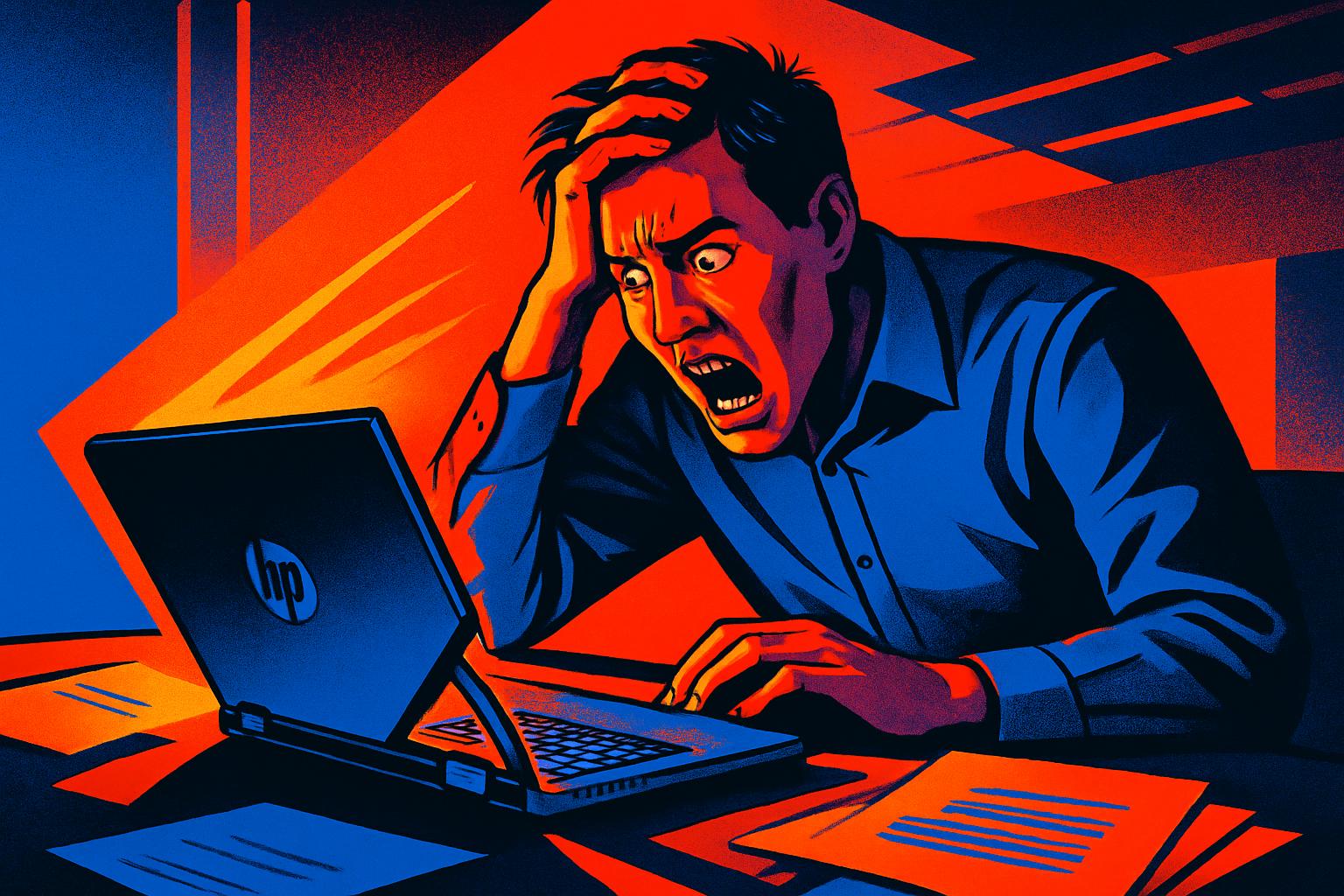
When the Laptop Folds More than It Should: The Hinge Problem on the HP Envy X360
The HP Envy X360 is a convertible laptop that is very popular in both business and home settings, precisely because of its versatility: it opens in tent mode, tablet mode, or as a conventional laptop. This flexibility, however, comes at a mechanical cost. The hinges on this model are subject to constant stress, and when the mechanism starts to fail, the result can be drastic: the screen separates from the base, the internal supports break, and the laptop becomes unusable.
This type of fault is more common than it may seem, especially on equipment that is carried around frequently or used in multiple positions throughout the day. The warning sign usually appears as abnormal resistance when opening the screen, a dry clicking sound, or the appearance of play where there shouldn’t be any. Ignoring these signs almost invariably leads to total failure of the hinge supports, which can also drag along the screen cables and complicate the repair.
Laptop with No Battery After Physical Damage: What to Do
A problem that frequently arises in connection with hinge damage is the laptop that, after the incident, simply stops turning on or doesn’t recognise the battery. This behaviour may seem catastrophic, but it rarely means the equipment is beyond repair.
The most common causes include:
- Battery connector disconnected during forced opening of the chassis
- Battery in a state of total discharge due to prolonged lack of use during the period the equipment was broken
- Power management firmware entering protection mode after detecting an anomaly
- Damage to internal cables caused by the stress exerted by the broken hinges
The correct approach always involves a complete technical diagnosis before any component replacement. When repairing the HP Envy X360, after restoring the hinge supports and properly lubricating the mechanism, it is essential to check the condition of the battery and internal connectors. In many cases, the battery regains its charging capacity once the cables are correctly repositioned.
OneDrive with 223 GB Used on an Expiring Plan: A Real Risk of Data Loss
There is a problem that goes completely unnoticed during a hardware repair, but which can have much more serious consequences than broken hinges: data stored in the cloud under a licence that is about to expire.
OneDrive is a Microsoft cloud storage service that offers 5 GB free to any user with a Microsoft account. Beyond that space, an active Microsoft 365 subscription is required. The problem arises when a company or user accumulates dozens or hundreds of gigabytes of documents on OneDrive, tied to a licence that isn’t renewed in time.
What happens in this scenario is clear and concerning:
- The account enters read-only mode, preventing new files from being saved or existing ones from being edited
- After the grace period, files exceeding 5 GB become inaccessible
- Without action from the user, Microsoft may permanently delete the content after several months
To avoid this scenario, it is essential to adopt one of two measures: renew the Microsoft 365 licence before the expiration date, or export all the information to an external drive or another storage service while full access still exists. Ideally, both measures should be taken simultaneously as part of a data security policy.
Best Practices to Extend the Life of Your HP Envy X360 and Protect Your Data
Preventive maintenance is, as always, the best strategy. For both hardware and data, there are simple habits that make a significant difference:
- Opening and closing the laptop with both hands, applying symmetrical force, substantially reduces hinge wear
- Not forcing the screen beyond the maximum opening angle specified by the manufacturer
- Periodically lubricating the hinges as part of annual preventive maintenance
- Monitoring the space used in cloud services and the renewal dates of associated licences
- Keeping local backups of all critical information, regardless of the cloud service used
- Identifying all services installed on the company’s equipment and checking whether they are active and have a valid licence
This last point is particularly relevant: it is common to find equipment with cloud applications installed but no account associated, which creates a false sense of security. An installed service that is not configured protects absolutely nothing.
Can I use the HP Envy X360 while waiting for the hinge repair?
This is not recommended. Continuing to use the laptop with damaged hinges increases the risk of breaking the internal screen cables, which are very difficult and costly to replace. If necessary due to urgency, keep the screen in a fixed position and avoid opening or closing the equipment until the repair is done.
How long does it take to repair the hinges on an HP Envy X360?
It depends on the extent of the damage. A repair of the hinge supports without damage to the cables or panel can be completed within a few days. If there is additional damage to internal components, the timeframe may extend depending on parts availability. The initial diagnosis always allows for a more precise estimate.
How do I know if my cloud services have an active and valid licence?
In the case of Microsoft 365 and OneDrive, you can check the licence status at account.microsoft.com, in the services and subscriptions section. It is recommended to enable automatic renewal notifications or set a reminder at least 30 days ahead of the expiration date, so you have enough time to renew or safely export your data.
Need help? Contact MEGABIT at comercial@megabit.ptin-person support in Baixa do Porto and the entire Northern Portugal region.
Want to be notified when we publish our next article or video?
Free. Get notified as soon as we publish. No spam, easy to unsubscribe.