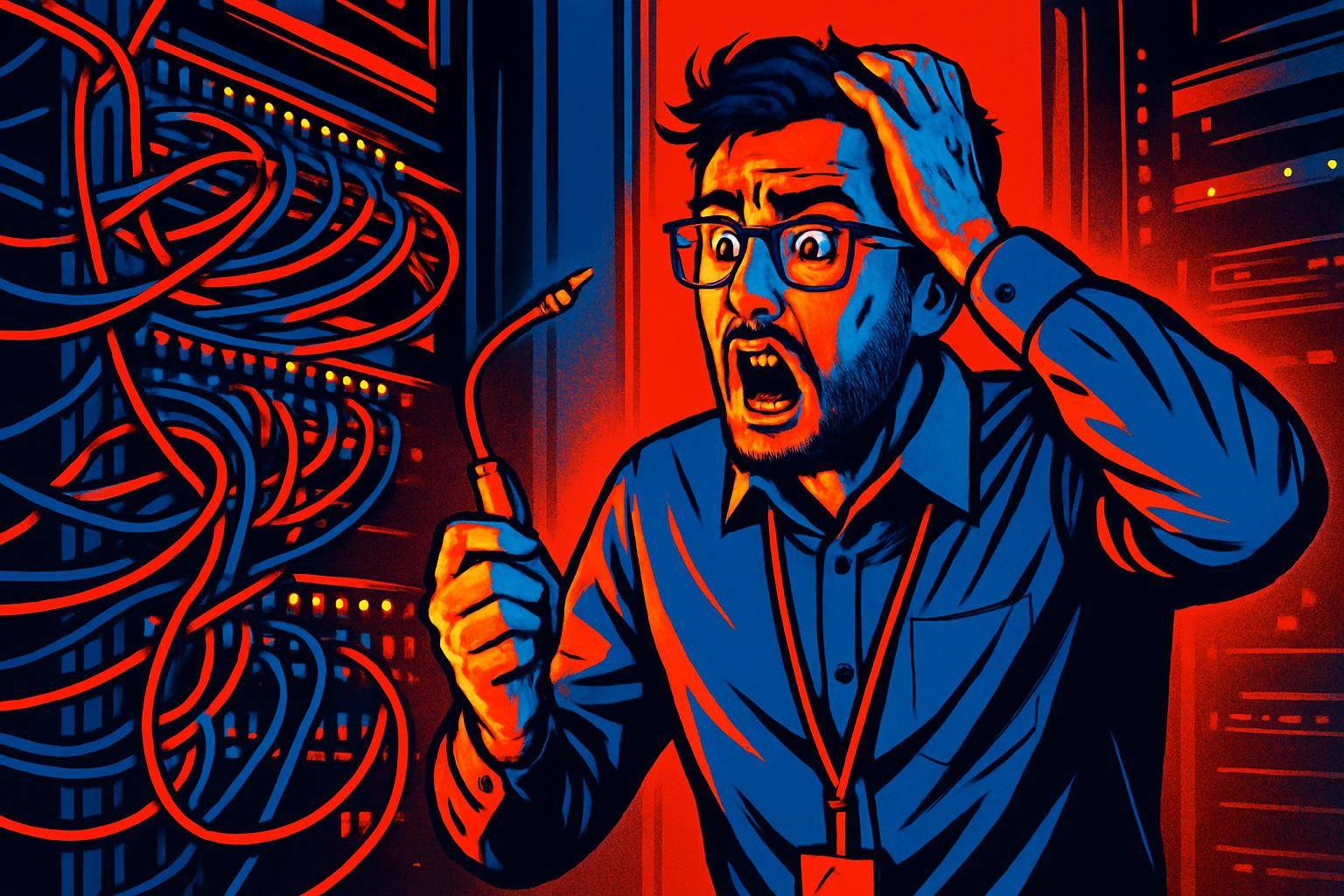
There are situations where a company’s internal network continues to function normally, computers communicate with each other, shared files are accessible, but internet access disappears completely. This apparently contradictory scenario is more common than it seems and tends to cause confusion because users and even some less experienced technicians assume that, if the local network is operational, the problem must be external, such as a failure by the internet provider.
In reality, the cause can be right inside the company’s network rack, in a badly connected cable, a swapped port, or a connection that was accidentally disturbed during a previous intervention. In this article, we explain how to diagnose and resolve this type of failure in a structured way, using business equipment such as the Sophos XG, and how to prevent the problem from happening again.
Understanding the Difference Between Internal Network and Internet Access
Before starting any diagnosis, it’s essential to understand that the local network (LAN) and internet access are two distinct paths in the network infrastructure. The LAN allows communication between devices within the same company, such as computers, printers, VoIP phones and internal servers. Internet access, in turn, depends on a physical and logical connection that goes from the router (or firewall) to the internet provider’s equipment.
When the internal network works but there’s no internet, the problem lies precisely in that intermediate path, between the equipment that provides the internet output (router or firewall) and the rest of the internal infrastructure. This can happen due to a logical failure in the equipment’s configuration, but the origin is often purely physical: a disconnected cable or one connected to the wrong port.
Step-by-Step Diagnosis: From the Rack to the End User
When we receive a call from a company reporting no internet with an operational internal network, the diagnostic protocol follows a logical sequence that starts at the central equipment and moves forward to the workstations:
- Check the status of the router or firewall: equipment such as the Sophos XG 125 has monitoring dashboards that allow quick confirmation of whether there’s an active WAN connection. Status LEDs and system logs are the first point of analysis.
- Physically inspect the network rack: check all connection cables between the router, the switch and the patch panel. A cable that appears to be inserted may not be fully seated, or may have been connected to the wrong port during a previous intervention.
- Identify the affected port on the patch panel: the patch panel organizes all the building’s physical connections. Each port corresponds to a specific network point. An incorrect connection in a critical port, such as the one serving the router, can interrupt internet access without affecting the LAN.
- Run communication tests after correction: after fixing the physical connection, tests should be carried out from different points on the network, including workstations in different rooms and devices such as VoIP phones, to confirm that connectivity has been fully restored.
The Role of Sophos XG in Network Management and Diagnosis
The Sophos XG 125 is a business firewall that combines advanced security protection with network monitoring tools. In connectivity failure situations, this equipment is a fundamental ally in diagnosis because it allows you to:
- Check the status of the WAN interface in real time and confirm whether there’s a connection to the outside;
- Consult traffic logs to understand whether internet requests are being processed or blocked;
- Quickly identify whether the problem is logical configuration or physical connectivity;
- Monitor the status of all network segments managed by the firewall, including VLANs and voice networks.
When the firewall reports no WAN connection but the internet provider confirms that the service is active, the source of the problem is almost always physical, and inspecting the rack becomes the next mandatory step.
Best Practices to Avoid Connectivity Failures in Business Environments
Most network interruptions caused by badly connected cables can be prevented with a set of simple infrastructure management practices:
- Label all patch panel cables and ports with clear and permanent identification, indicating the origin and destination of each connection;
- Document the network topology in an updated diagram that includes the correspondence between patch panel ports, switches, routers and workstations;
- Restrict access to the rack to authorized technical personnel, avoiding unsupervised interventions that could alter existing connections;
- Carry out periodic audits of the physical infrastructure, checking the condition of cables, connectors and equipment in the rack;
- Hire a preventive maintenance service with regular visits from a specialized technician, who can identify and correct problems before they cause interruptions.
A network failure, even if resolvable within a few minutes of identification, can cause significant losses for a company, interrupting communications, blocking access to cloud systems and paralyzing operations that depend on the internet. Prevention is always more efficient than emergency resolution.
Frequently Asked Questions
The internal network works but there’s no internet, what’s the most common cause?
The most frequent cause is a network cable that’s badly connected or disconnected at a critical point in the infrastructure, such as the router, switch or patch panel. Even if the local network remains operational between internal devices, the connection to the outside depends on a specific physical path that, if interrupted, cuts off internet access without affecting internal communication.
What is a patch panel and why is it important to check it during a network failure?
A patch panel is a connection panel normally located in the network rack, which organizes and centralizes all the building’s network cables. Each patch panel port corresponds to a network socket or piece of equipment. If a connecting cable between the patch panel and the router or switch is removed, badly inserted or connected to the wrong port, it can interrupt connectivity selectively, affecting only certain network segments, such as internet access.
How can I prevent this type of failure from happening again in my company?
There are several best practices: label all patch panel cables and ports with clear identification, carry out periodic audits of the network infrastructure, record the configuration of each port in a network topology document, and restrict access to the rack to authorized personnel. Hiring a preventive IT maintenance service with regular visits is also an effective way to detect problems before they cause interruptions.
Need help? Contact MEGABIT at comercial@megabit.pton-site support in Baixa do Porto and the entire North of Portugal.
Want to be notified when we publish our next article or video?
Free. Get notified as soon as we publish. No spam, easy to unsubscribe.