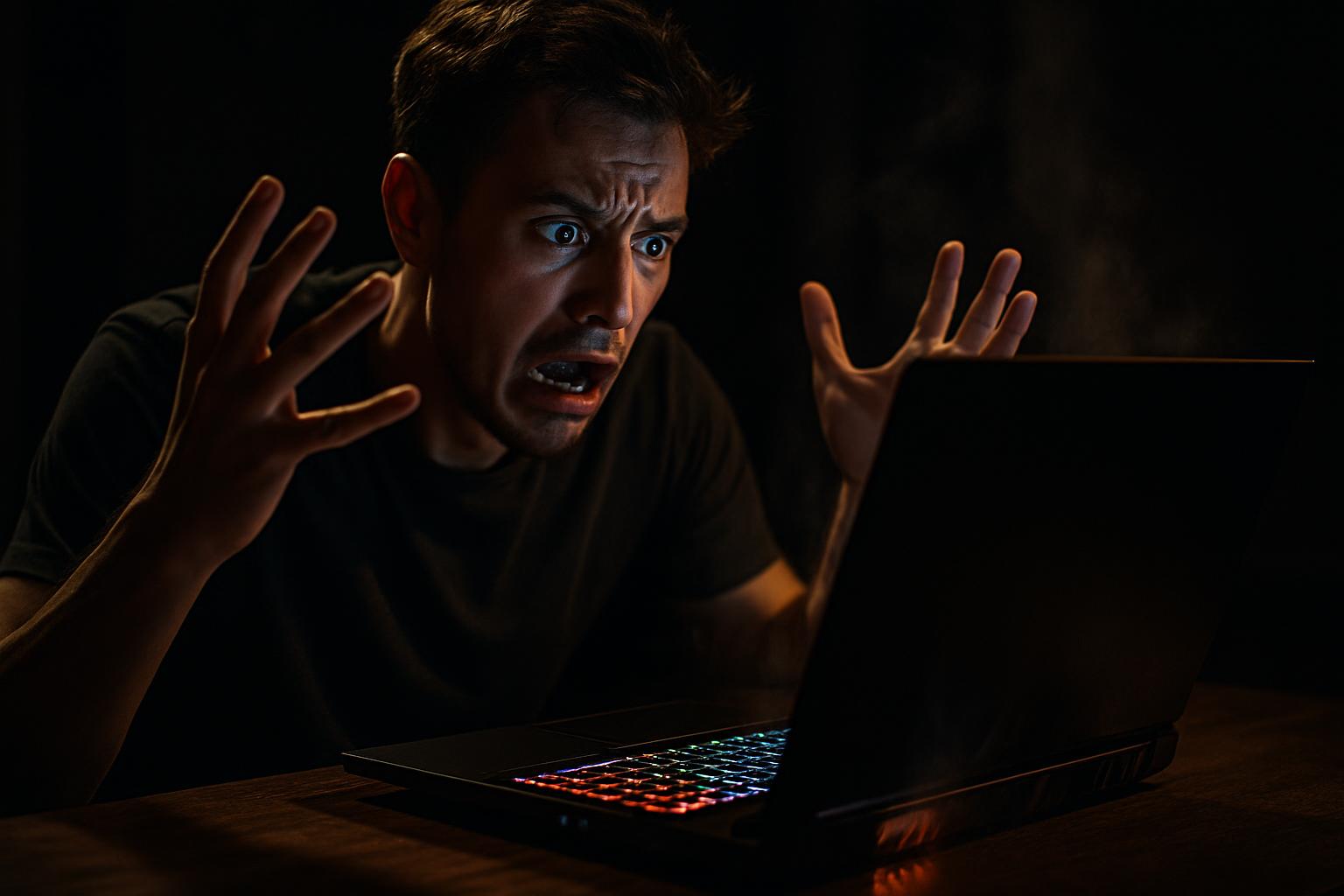
A high-end gaming laptop starts to show problems: the screen freezes mid-session, the image randomly disappears, and the device heats up more than normal. For many users, the first instinct is to blame the recently replaced screen. However, the root of the problem may run deeper, and ignoring it can result in irreversible damage to the machine.
This practical guide is intended for businesses and users facing similar symptoms on gaming laptops, such as the MSI Stealth line or equivalent high-end equipment. We will explore how to correctly identify the cause, which tests to perform, and what repair options are available.
Typical Symptoms of GPU Failure in a Laptop
It is not always easy to distinguish a screen problem from a GPU problem. Both can cause visual glitches, but the causes, and the solutions, are completely different. The main warning signs of a problematic GPU include:
- Screen freezing randomly, with no associated usage pattern
- Image disappearing and reappearing, often with no visible system error
- Excessive overheating, even during low-demand tasks
- Visual artefacts, such as lines, dots or distortions on the screen
- Inconsistent failures, that do not reproduce systematically in tests
The intermittent nature of these problems is, paradoxically, one of the most relevant indicators of GPU failure. When a component only fails under certain temperature or load conditions, it makes diagnosis more complex, but no less urgent.
How to Correctly Diagnose the GPU
Diagnosing GPU failures requires methodology and the right tools. A common mistake is to run just one test and, finding no errors, conclude that the component is healthy. Intermittent failures require a more persistent approach.
The recommended process involves the following steps:
- Prolonged stress tests, using tools such as FurMark, 3DMark or Heaven Benchmark, in repeated cycles and under different load conditions
- Real-time temperature monitoring, with applications such as HWiNFO or MSI Afterburner, to identify anomalous spikes
- Testing in a controlled environment, varying the ambient temperature and the equipment’s ventilation
- Checking system logs, looking for graphics driver errors or GPU-related crashes
It is important to note that not all test cycles will reproduce the error. This does not invalidate the diagnosis: the absence of a consistent error in controlled tests, combined with the symptoms reported by the user, is in itself an indicator of an intermittent failure that deserves technical attention.
Repair Options: Motherboard or Component Replacement?
When the diagnosis points to the GPU, the repair options depend on the equipment’s architecture. In most modern gaming laptops, the GPU is integrated into the motherboard, meaning it cannot be replaced separately as in a desktop computer.
The main available options are:
- Component-level motherboard repair, known as board repair, which involves specialised technical intervention with micro-soldering and BGA reflow equipment. This option is viable for high-value laptops and can represent significant savings compared to replacing the equipment.
- Motherboard replacement with a refurbished or new unit, when repair is not technically possible or economically justifiable.
- Analysis by the screen supplier, especially if there is suspicion that the replaced LCD may be related to the symptoms presented, whether due to incompatibility or a manufacturing defect.
In any case, it is essential to obtain a detailed diagnosis before authorising any intervention. A good technician should present the test results, explain the available options and provide a clear quote, with no surprises.
Best Practices for Businesses Managing Professional Gaming Equipment
High-end gaming laptops are increasingly used in professional contexts, whether in design, video editing, engineering or development. Their technical management requires specific care that is not always applied in companies’ IT policies.
Some practical recommendations:
- Establish cleaning routines and preventive maintenance, including cleaning of the ventilation systems, at least once a year
- Regularly monitor operating temperatures, especially on equipment used intensively
- Document all technical incidents, even those that resolve themselves, as intermittent patterns are relevant for diagnosis
- Work with a trusted technical partner who knows the specifics of this equipment and has access to original parts and appropriate diagnostic tools
- Review the intervention history before any repair, to understand whether there are previous damages that may be related to the current problem
Proactive management of the IT fleet significantly reduces the risk of unexpected downtime and extends the lifespan of the equipment, protecting the company’s investment.
Frequently Asked Questions
How do I know if the problem with my gaming laptop is really the GPU?
The most common symptoms of GPU failure include the screen freezing randomly, the image disappearing without warning, visual artefacts and overheating. To confirm, use stress test tools such as FurMark or 3DMark. If errors occur inconsistently, it may be an intermittent failure, which is equally concerning and should be analysed by a specialised technician.
Is it worth repairing the motherboard of a gaming laptop with GPU problems?
It depends on the severity of the failure and the value of the equipment. On high-end gaming laptops, motherboard-level repair can be economically viable, especially when compared to the cost of replacing the entire equipment. An experienced technician can assess whether the repair is worthwhile and provide a transparent quote before proceeding.
Can the screen replacement be related to GPU problems?
Yes, in some cases. When a laptop suffers physical damage affecting the screen, the same impact may have compromised other internal components, including the GPU or its connections to the motherboard. Therefore, after replacing the LCD, it is important to carry out full diagnostic tests to ensure there is no other hidden damage to the equipment.
Need help? Contact MEGABIT at comercial@megabit.ptin-person support in Baixa do Porto and the entire Northern Portugal region.
Want to be notified when we publish our next article or video?
Free. Get notified as soon as we publish. No spam, easy to unsubscribe.