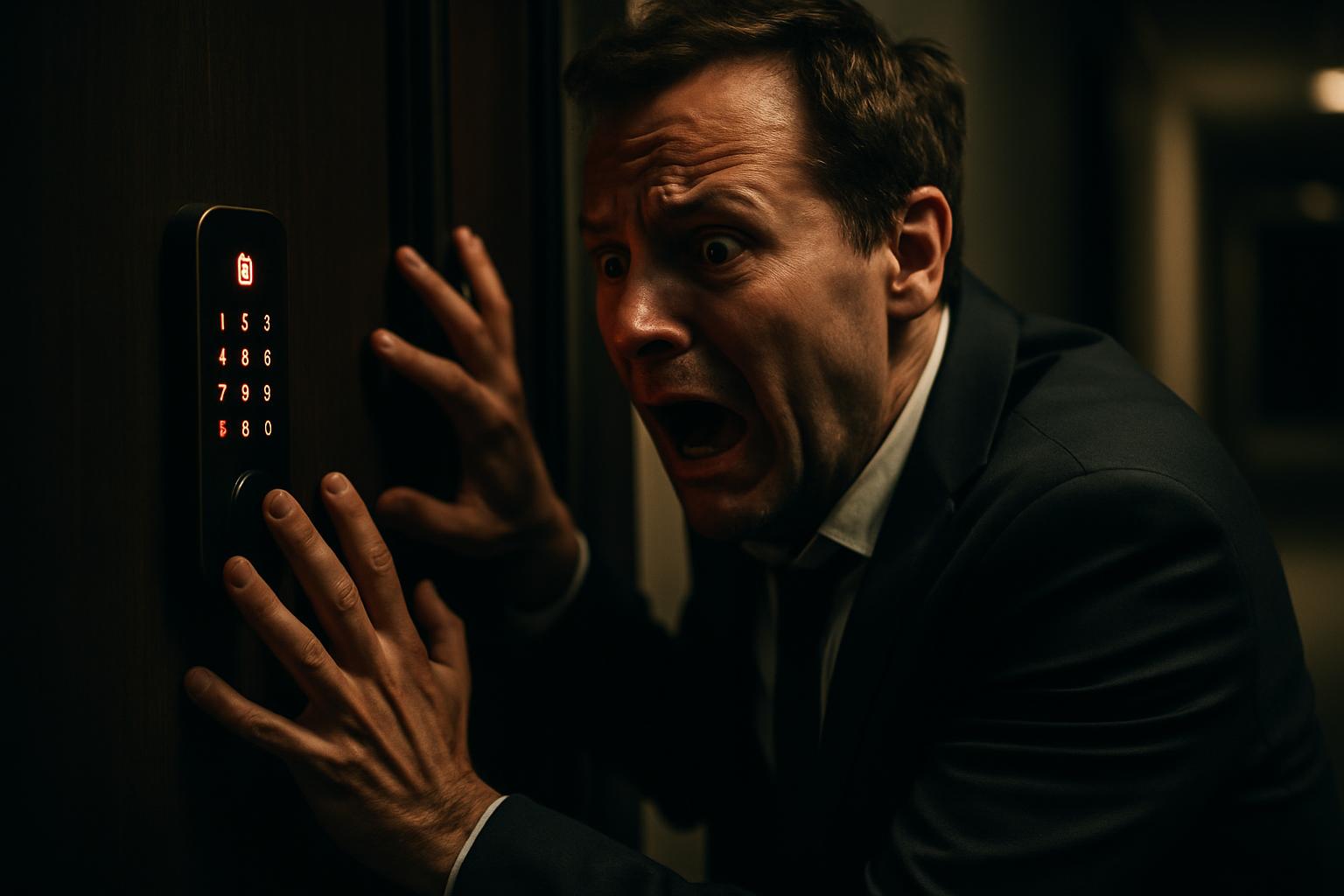
Smart access control has become an essential tool in rental apartments, shared offices and multi-user spaces. The convenience of managing access remotely, creating temporary codes and monitoring entries in real time is undeniable. However, when the system fails, the impact is immediate: doors that won’t open, guests or staff locked out, and managers operating in crisis mode using the emergency code.
This practical guide covers the most common causes of failure in smart locks with gateways, the step-by-step diagnostic process, and the technical decisions that determine whether the solution involves a simple restart, a firmware update, or a hardware replacement. If you manage one or several spaces with this type of system, this article can save you time and money in an urgent situation.
Initial Diagnosis: Understanding What’s Failing
When a smart lock stops responding to the app and only operates with the emergency code, the problem can lie in three distinct places: the lock itself, the communication gateway, or the integration between the two. Starting with the simplest point saves time and avoids unnecessary interventions.
- Check the lock’s batteries: Low battery charge is the most common and most overlooked cause. Even if the indicator doesn’t show an alert, aged batteries lose capacity under load and can cause intermittent communication failures or loss of configuration.
- Restart the gateway: A simple restart of the communication box resolves many cases of lost connection between the lock and the app. After restarting, wait 2 to 3 minutes before testing.
- Confirm the network connection: The gateway depends on an Internet connection to communicate with the platform’s servers. Check whether the router is working and whether the gateway is receiving an adequate signal.
- Test manual opening with a code: If the lock responds to the physical code but not to the app, the problem is in the communication. If it doesn’t respond to any method except the emergency code, the problem may be hardware or firmware related.
This initial diagnosis, carried out systematically, makes it possible to separate cases that can be resolved remotely from those that require an on-site intervention.
Firmware Update and Gateway Reconfiguration
If the initial diagnosis doesn’t resolve the problem, the next step is to check the state of the lock’s firmware and its compatibility with the installed gateway. Outdated firmware is a common cause of erratic behaviour, especially after mobile app updates that introduce new communication protocols.
The firmware update process varies depending on the manufacturer, but generally requires the lock to be within Bluetooth range of the phone and the gateway to be connected. In some cases, it is necessary to disassemble the lock to access the internal module and force a reset before applying the new firmware.
After the update, it is essential to remove the lock from the app and re-add it. This step is often overlooked and causes persistent recognition failures. The gateway must also be reconfigured to associate the lock with the new firmware profile. If the current gateway doesn’t recognise the lock after several attempts, it may be necessary to replace it with a newer model with better compatibility.
Hardware Replacement: When the Problem is the Lock
The problem isn’t always software-related. Electronic locks are subject to mechanical wear and internal component failure, especially in high-use environments such as short-term rental apartments. When the electronic cylinder fails, the symptoms are clear: the lock doesn’t respond to any authentication method except the emergency code, and resetting has no effect.
In these cases, replacing the cylinder is inevitable. The process involves:
- Disassembling the existing lock, preserving the installation hardware whenever possible
- Installing the new cylinder, confirming compatibility with the door and existing plate
- Associating it with the gateway, preferably a current-generation model such as the G2, which offers greater stability
- Configuring all access codes on the new installation, including active guest or staff codes
- Carrying out a complete test of remote opening, by code and by app, before considering the intervention complete
Whenever possible, the replacement should be scheduled when there are no users in the space, to avoid situations of compromised access during the process. In installations with multiple units, it is advisable to take advantage of the intervention to also update the gateways of adjacent units, preventing future failures.
Best Practices to Avoid Future Failures
Preventive maintenance of a smart access control system is much simpler than managing a crisis. Some practices that significantly reduce the likelihood of failure:
- Replace batteries preventively, ideally every 6 to 12 months, regardless of the app’s battery indicator
- Keep firmware up to date on all locks and gateways, checking for available updates every 3 months
- Standardise hardware whenever possible, using the same gateway model across all units to simplify management and support
- Keep a record of emergency codes in a secure location accessible only to authorised personnel
- Test remote operation monthly, confirming that opening via the app works before any guest arrival or the start of a work week
- Plan the replacement of old gateways before they fail, taking advantage of periods of lower occupancy
A well-maintained smart access system is a valuable operational asset. Poorly managed, it becomes a constant source of urgent calls and unforeseen costs.
Why does a smart lock end up working only with the emergency code?
This problem usually occurs due to a combination of factors: discharged batteries causing loss of configuration, outdated firmware conflicting with the communication gateway, or a hardware failure in the electronic cylinder itself. When the lock loses connection to the gateway, the system automatically falls back on the emergency code as a safeguard. The solution involves checking the batteries, restarting the gateway, updating the firmware and, in cases of confirmed failure, replacing the cylinder.
What is the difference between restarting the gateway and resetting the lock?
Restarting the gateway clears connectivity errors and re-establishes the connection without erasing the access settings. Resetting the lock erases all registered codes and users, requiring everything to be reconfigured from scratch. Resetting the lock should be the last resort, used only when the gateway is working correctly but the lock still isn’t responding.
Is it worth replacing the old gateway with a newer model such as the G2?
In many cases, yes. Newer-generation gateways offer greater connection stability, better compatibility with current lock firmware, and support for features such as remote opening and generating temporary codes. If the old gateway shows repeated failures or doesn’t recognise devices after a firmware update, replacing it with a more current model is a preventive solution that avoids future emergency calls and reduces downtime.
Need help? Contact MEGABIT at comercial@megabit.pton-site support in Baixa do Porto and the whole Northern Portugal region.
Want to be notified when we publish our next article or video?
Free. Get notified as soon as we publish. No spam, easy to unsubscribe.