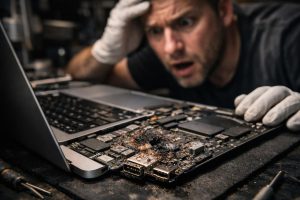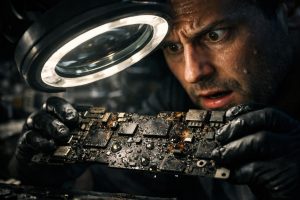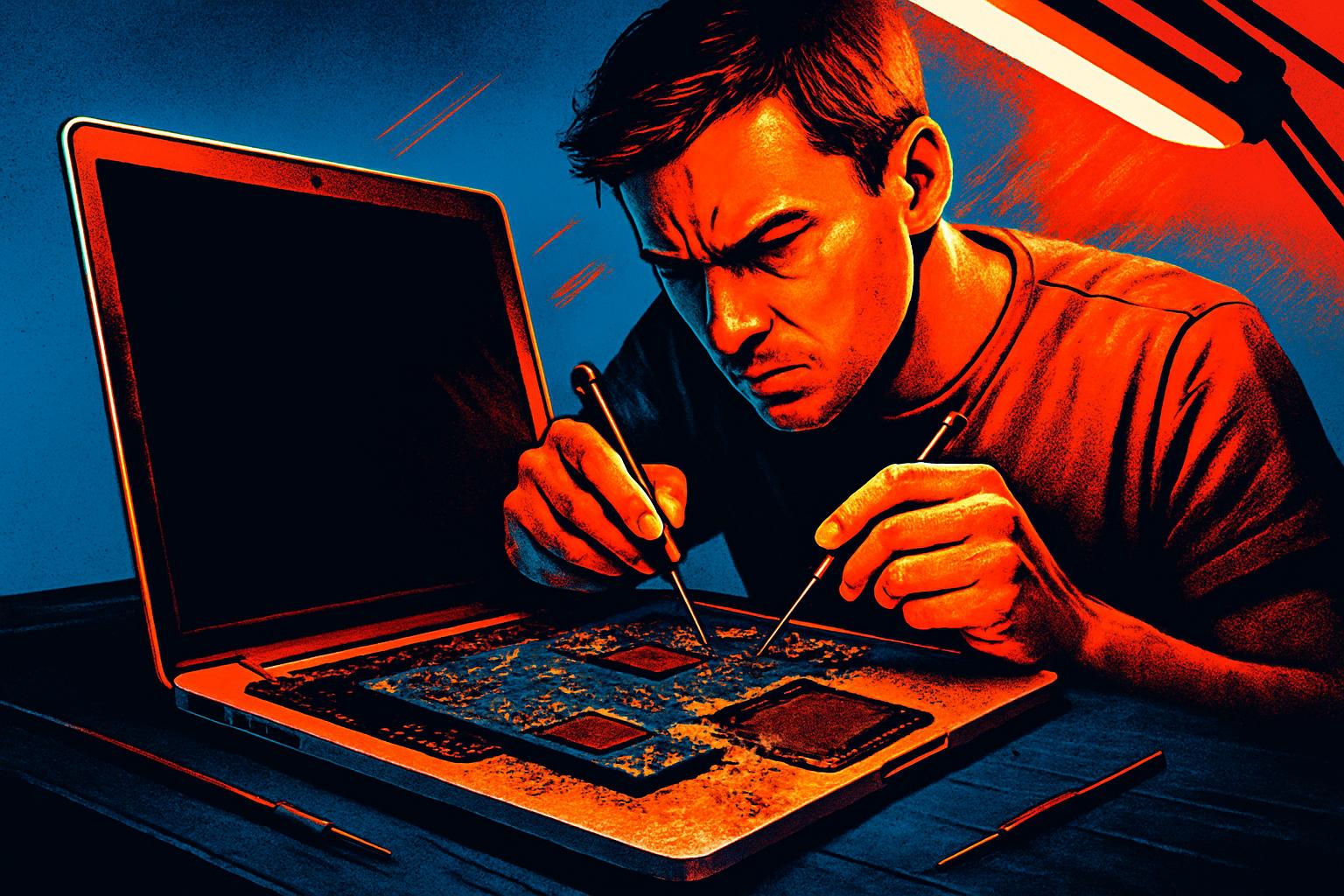
Contact with liquids is one of the most common causes of failure in MacBook devices and, at the same time, one of the most unpredictable. Even after appearing to be dry, these devices can develop delayed faults in their internal circuits, especially on the motherboard. One of the most frequent consequences is the loss of battery detection, which prevents the device from working independently and, in many cases, even from starting up without being plugged into power.
The good news is that, in many cases, this fault can be repaired. When the battery power circuit on the motherboard is identified as the damaged component, it is possible to intervene at the level of micro-soldering and component-level electronics to restore full functionality to the device, including the ability to charge and run solely on battery power.
What Happens to the Motherboard After Contact with Liquids
When a MacBook is exposed to liquids, the damage is rarely immediate or visible to the naked eye. The degradation process occurs progressively: liquids deposit mineral and conductive residues on the circuits, causing corrosion and, eventually, short circuits or continuity failures in critical motherboard traces.
The battery power circuit is one of the most vulnerable in this process. This circuit is responsible for:
- Managing communication between the battery and the operating system
- Controlling the charging and discharging process
- Reporting battery status and health to macOS
- Protecting the device from overloads or voltage failures
When this circuit fails, macOS may display messages such as “No Battery Available”, the device may fail to start without being plugged into power, or it may simply not recognise any installed battery, even if the battery itself is functional.
The Battery Power Circuit Repair Process
Repairing this type of fault requires specialised equipment and in-depth knowledge of motherboard electronics. It is not a simple part replacement, but an intervention at circuit level, which involves the following steps:
- Full motherboard diagnosis, using electrical schematics and a multimeter, to identify the affected components
- Ultrasonic cleaning, to remove liquid residue and accumulated corrosion from the components
- Replacement of damaged components in the power circuit, such as charge controllers, MOSFETs, resistors or capacitors
- Checking electrical continuity across all relevant circuit traces
- Extensive functional testing, including full battery charge and discharge cycles
Only after confirming stable operation across several charge and discharge cycles, without errors or anomalies, can the repair be considered successful.
The Question of Warranty in Repairs with a History of Liquid Exposure
A very common question regarding this type of intervention concerns the warranty offered. It is important to be transparent: on devices with a history of contact with liquids, it is not possible to guarantee the entire motherboard, only the components actually replaced during the repair.
This limitation exists for a very specific technical reason: liquids may have affected other components on the board that, at the time of repair, do not yet show visible failure but may deteriorate over time. Offering an extended warranty under these conditions would be misleading to the user.
The correct and transparent approach involves:
- Informing the user of all limitations before starting the repair
- Guaranteeing only the components intervened on
- Documenting the condition of the device before and after the repair
- Advising on warning signs to monitor after delivery
Is It Worth Repairing a MacBook with Liquid Damage?
This is a question many users ask before proceeding with a quote. The answer depends on several factors, but in most cases, especially with more recent models such as the MacBook Pro with Apple Silicon chip, repairing the motherboard represents a significantly more economical alternative than replacing the device.
The A3401 series models and other recent MacBook devices have a high replacement cost, which makes component-level repair the most rational option from a financial point of view, provided the diagnosis confirms that the damage is localised and technically repairable.
Before making any decision, it is essential to obtain an in-person technical diagnosis. Only with the device in hand is it possible to assess the real extent of the damage and provide a well-founded quote.
Can a MacBook that has been in contact with liquids always be repaired?
Not always, but in many cases it is possible to recover the device, even after contact with liquids. It all depends on the extent of the damage to the motherboard and the components affected. A specialised technical diagnosis is essential to determine what can be repaired and what will need to be replaced. The sooner the device reaches a technician, the greater the chances of recovery.
Why does the MacBook stop detecting the battery after contact with liquids?
Liquids, especially those containing minerals or chemicals, cause corrosion in the motherboard circuits. The battery power circuit is particularly vulnerable, as it is responsible for managing communication between the battery and the system. When this circuit is damaged, macOS may stop recognising the battery, showing errors such as “No Battery Available” or simply refusing to charge.
What warranty is offered on a motherboard repair involving liquid damage?
For repairs with a history of contact with liquids, the warranty is normally limited to the components actually replaced during the intervention. It is not possible to guarantee components that may have been affected by liquids but, at the time of repair, do not yet show visible failure. This is a standard and transparent practice in the electronics repair industry, which protects both the technician and the user.
Need help? Contact MEGABIT at comercial@megabit.ptin-person support in Baixa do Porto and throughout the Northern Portugal region.
Want to be notified when we publish our next article or video?
Free. Get notified as soon as we publish. No spam, easy to unsubscribe.