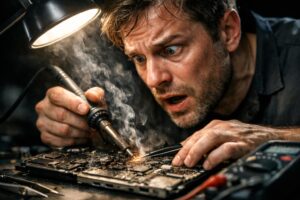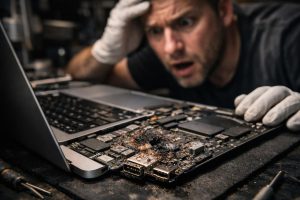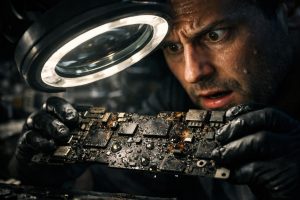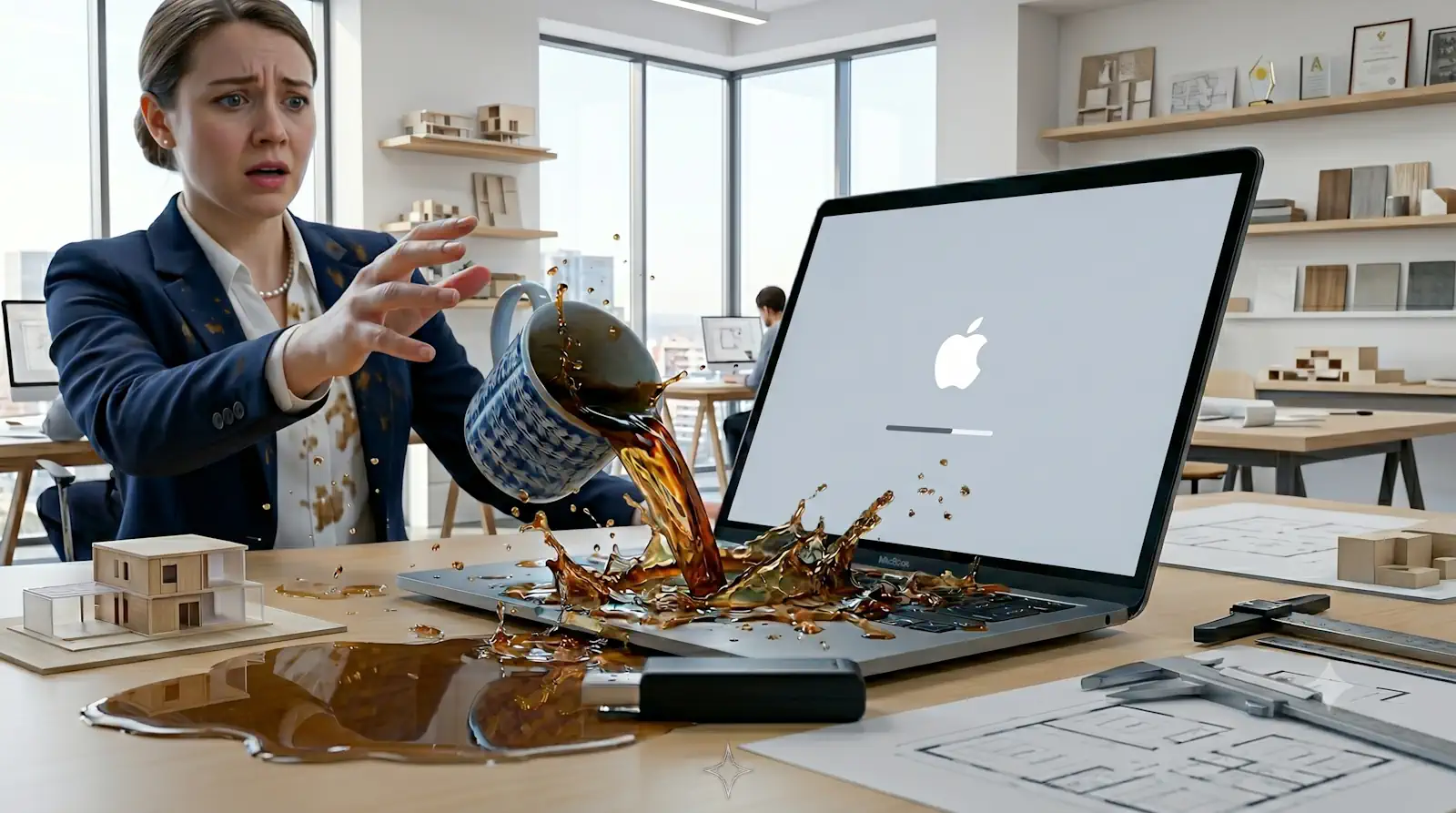
Contact with liquids is one of the most common causes of failure in Apple laptops, and the MacBook Air is no exception. When a device of this type suddenly stops turning on, the immediate reaction of many users is to assume the laptop is unrecoverable. However, the reality is quite different: with appropriate and timely technical intervention, many of these cases have a solution, and chemical cleaning is often the first and most effective step in this process.
In this article we explain how the recovery process works for a MacBook Air affected by liquids, what you can expect from professional chemical cleaning, the limitations of this intervention, and what additional care you should take after the equipment has been recovered. If you have an Apple laptop that won’t turn on and suspect exposure to liquids, keep reading.
What Happens When Liquids Reach the Inside of a MacBook Air
The MacBook Air, like most compact laptops, has its internal components arranged very close to one another. When a liquid penetrates the chassis, whether water, coffee, juice or any other fluid, the damage is not necessarily immediate or visible. The real problem begins when the residue left by the liquid, especially sugars, minerals and other particles, starts to oxidise the circuits of the logic board and connectors.
This oxidation process can occur over hours or days, depending on the type and amount of liquid. The equipment may continue to work for some time after the incident and then stop turning on without warning, precisely because corrosion was progressing silently. The most common symptoms include:
- The MacBook Air won’t turn on, even when plugged into the mains
- Erratic behaviour or unexpected shutdowns
- Keyboard or trackpad not responding correctly
- Battery not recognised by the system
- Error messages when starting macOS
How Professional Chemical Cleaning Works
Chemical cleaning, also referred to in technical terms as ultrasonic cleaning or specialised solvent treatment, is a process that aims to remove corrosion and oxidation residue from the equipment’s internal components. Contrary to what the name may suggest, this is not a simple wash: it is a technical intervention that requires complete disassembly of the equipment, isolation of sensitive components and the use of products and equipment specific to electronics.
The process generally follows these steps:
- Complete disassembly of the MacBook Air, separating logic board, battery, keyboard and remaining components
- Visual inspection of the extent of the damage and identification of the areas most affected by oxidation
- Applying the cleaning agent to the affected components, with special attention to integrated circuits and connectors, and a chemical bath with ultrasonic cleaning in special machines designed for that purpose.
- Controlled drying in a dedicated oven to ensure no residue of the cleaning product remains on the components
- Reassembly and full functional testing, including system startup, peripheral checks and hardware diagnostics
When properly carried out, this intervention allows equipment that appears unrecoverable to work normally again. It is, however, essential that the cleaning is carried out by certified technicians experienced with Apple, as incorrect intervention can worsen existing damage.
Limitations of Cleaning and the Warranty Question
One of the most frequent questions after successful chemical cleaning is: is there a warranty on the work carried out? The honest answer is that, as a rule, specialised technical centres do not issue a formal warranty on interventions in equipment with liquid damage, and there is a clear technical reason for this.
Even after effective cleaning, latent damage may remain in components that appear to be working correctly. Oxidation may have affected microscopic connections that only fail under certain temperature or load conditions. This does not mean the work was poorly carried out; rather, it means that the nature of liquid damage is, by definition, unpredictable in how it progresses.
What a good technician can guarantee is the quality of the cleaning process itself and honesty in the diagnosis. If after cleaning the equipment turns on, the operating system starts up and all the user’s data is accessible, the work has met its objective. Any future problem that may arise will be related to pre-existing damage and not to the technical intervention.
The Battery: The Most Vulnerable Component After Exposure to Liquids
Even when the logic board survives chemical cleaning, the MacBook Air’s battery is often a component that needs to be replaced after contact with liquids. Lithium cells are particularly sensitive to moisture and corrosion, and a damaged battery may show problematic behaviour such as:
- Greatly reduced charging capacity
- Not recognised by the system as a valid battery
- Abnormally fast discharge
- In more serious cases, risk of swelling or overload
For these reasons, after successful chemical cleaning, it is highly recommended to carry out a specific diagnosis of the battery and, if its health is compromised, replace it with a certified component. Postponing this decision can compromise the stability of the equipment in the medium term and, in extreme cases, poses a safety risk.
Replacing the battery in a MacBook Air is a relatively affordable intervention compared to the cost of a new device, and it significantly extends the laptop’s lifespan, allowing it to continue being used safely and reliably for more years.
Frequently Asked Questions
Does chemical cleaning guarantee that the MacBook Air will work again for good?
There is no absolute guarantee after chemical cleaning on equipment with liquid damage. The process removes residue and oxidation from the boards, which often allows the equipment to turn on again. However, liquids can cause invisible damage that manifests later, which is why specialised technicians do not issue a formal warranty on this type of intervention. The result depends on the extent of liquid penetration, the time elapsed before intervention and the type of liquid involved.
How long after contact with liquids is it still worth trying chemical cleaning?
The sooner the equipment reaches a specialised technician, the greater the chances of success. Ideally, you should turn off the MacBook immediately, not try to turn it on, and take it to a repair centre within the first 24 to 48 hours. After that period, oxidation progresses gradually and can damage additional components. Even in older cases cleaning can still be attempted, but the chances of full recovery decrease significantly.
After chemical cleaning, what other components should I check on the MacBook Air?
Even if the MacBook Air turns on again after cleaning, it is advisable to check the battery’s condition, as it is often compromised after exposure to liquids. Other components to assess include the keyboard, trackpad, charging connectors and logic board. A complete post-cleaning diagnosis is essential to ensure the equipment is in safe condition for long-term use.
Need help? Contact MEGABIT at comercial@megabit.ptin-person support in downtown Porto and across the entire North region of Portugal.
Want to be notified when we publish our next article or video?
Free. Get notified as soon as we publish. No spam, easy to unsubscribe.