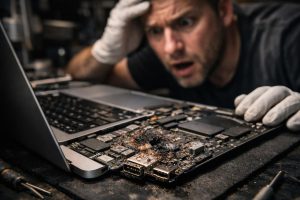
When a MacBook refuses to start without any prior warning, the cause may be deeper than it appears. While many users immediately think of software issues or a dead battery, there is a less visible but fairly common scenario: the failure of integrated circuits and electronic components on the motherboard. This type of fault, often caused by electrical overloads, voltage spikes or progressive damage, requires specialised intervention at the level of low-level electronics.
In this article, we explain how to identify the signs of a serious electronic fault in a MacBook, how the diagnosis and repair process works, and what precautions to take after the equipment has been recovered. If your MacBook won’t turn on and you’ve already exhausted the basic solutions, this guide was written for you.
Symptoms of Burnt Electronic Components in a MacBook
A serious electronic fault rarely gives advance warning. In most cases, the equipment simply stops responding, with no error messages, no startup sounds and no light indication whatsoever. These are the most common symptoms associated with burnt components on the motherboard:
- MacBook completely unresponsive, even with the charger connected and a functional battery;
- No startup chime or any activity on the screen;
- Burning smell coming from inside the equipment;
- Sudden and repeated shutdowns before the problem becomes permanent;
- Erratic behaviour of the system before total failure, such as frequent kernel panics or failures recognising peripherals.
None of these symptoms can be resolved by reinstalling macOS, resetting the NVRAM or any other software procedure. The intervention must necessarily be physical, at the level of the board’s components.
How Electronic Diagnosis and Repair Works
Repairing a MacBook with burnt components always begins with a detailed diagnosis. The technician uses multimeters, controlled power supplies and, in some cases, oscilloscopes, to map the affected circuits and precisely identify which components are damaged. This process is essential to avoid unnecessary replacements and to ensure the repair is surgical and effective.
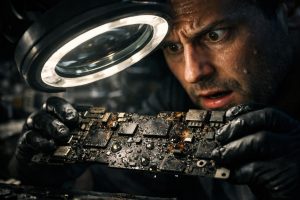
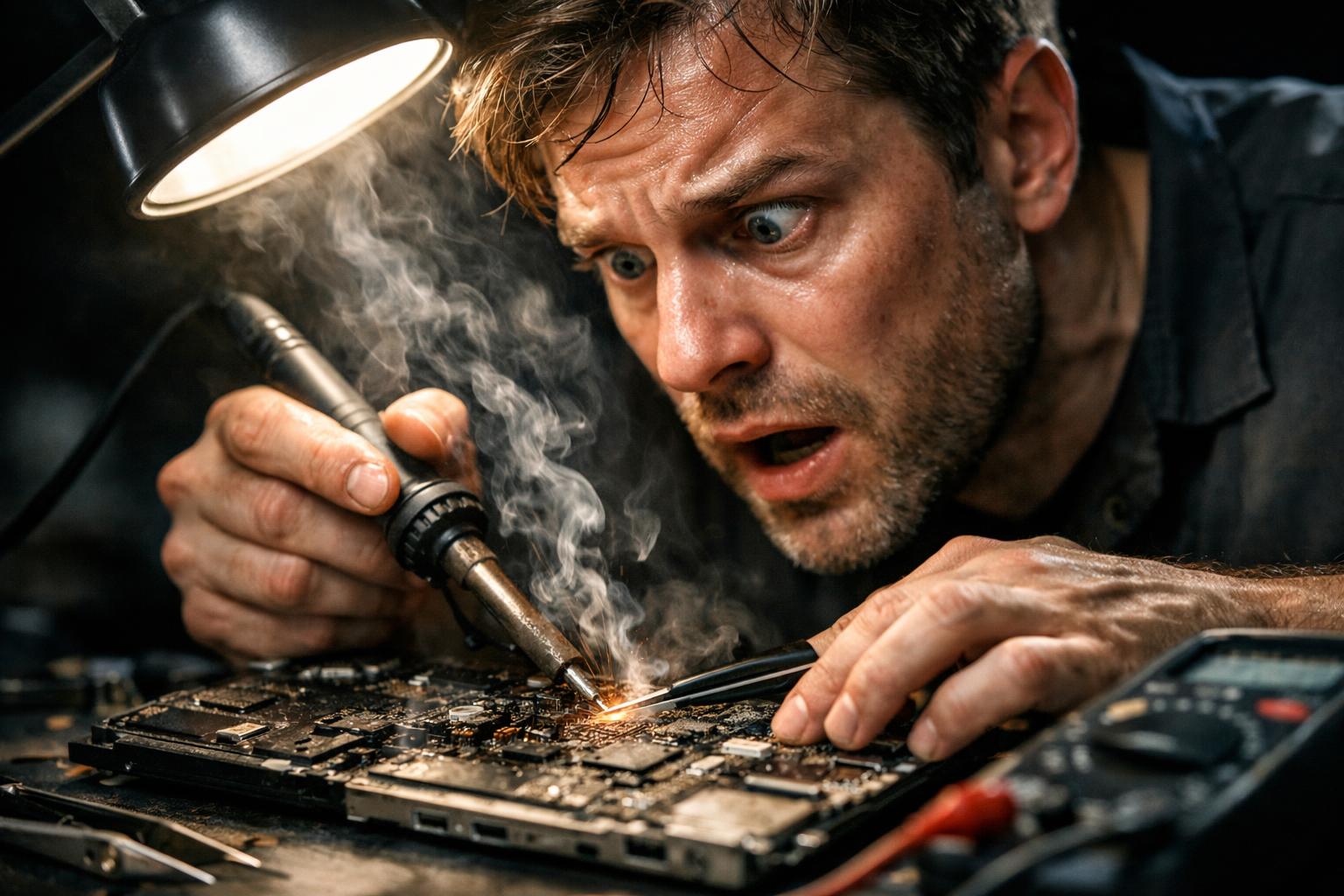
Once the faulty parts have been identified, the burnt integrated circuits, capacitors, resistors or other electronic components are individually replaced. This involves precision microsoldering, carried out using professional rework stations and under optical magnification. Once the replacement is complete, the equipment undergoes a series of tests that include:
- Checking operating temperatures, to ensure the new components operate within safe limits;
- Full battery charge and discharge cycles, to validate the power management circuit;
- Hardware diagnostic tests, to confirm the absence of errors in all subsystems;
- Validation of normal startup and operation of macOS under real usage conditions.
In situations where operating temperatures remain at the upper limit of the safe range, replacing the processor’s thermal paste may be recommended as a preventive measure, thereby ensuring the longevity of the repair.
What to Do After the Repair: Essential Precautions
After a MacBook has recovered from a serious electronic fault, there are good practices that help extend the equipment’s lifespan and prevent recurrences:
- Use certified quality surge protectors on all outlets where the equipment is charged;
- Avoid charging in environments with electrical instability, such as places with frequent power outages or generators;
- Regularly monitor temperatures using tools such as iStatMenus or macOS’s native Activity Monitor;
- Carry out annual preventive maintenance, including internal cleaning and checking the thermal paste, especially on equipment older than three years;
- Do not ignore early signs of instability, such as spontaneous shutdowns or abnormal behaviour, and seek a technical diagnosis before a total failure occurs.
Monitoring temperatures is especially important in the first few days after the repair, allowing the user or the responsible technician to detect any thermal anomaly before it causes further damage.
When to Turn to a Specialised Apple Repair Technician
Not all repair companies are able to intervene at the level of the motherboard’s electronics. Most workshops limit themselves to replacing modular parts, such as screens, keyboards, batteries or SSDs. Repairing burnt integrated circuits requires specific training in electronics, professional microsoldering equipment and access to technical schematics of Apple boards.
When choosing a technical service for this type of repair, check whether the company has documented experience in motherboard-level repair, whether it performs a diagnosis before presenting a quote, and whether it offers a warranty on the work carried out. These factors are decisive in ensuring that your equipment is actually repaired and not just temporarily functional.
Why can a MacBook stop turning on due to burnt components?
MacBooks use motherboards with precision electronic components that can be damaged by electrical overloads, voltage spikes, liquid damage to the board, or progressive failures of power circuits. When one or more integrated components burn out, the system simply stops starting up, without any visual or audible signal. This type of fault requires specialised diagnosis with electronic measurement equipment, and cannot be resolved by reinstalling software or performing a factory reset.
Is it worth repairing a MacBook with burnt components or is it better to replace the equipment?
In most cases, motherboard-level repair is economically advantageous compared to fully replacing the equipment, especially for more recent MacBooks. A specialised technician can identify exactly which components are affected, replace them individually and restore the equipment to full working order. The decision should be made after a detailed diagnosis, which allows an assessment of the extent of the damage and an estimate of the actual repair cost versus the purchase of an equivalent device.
How long does it take to repair a MacBook with electronic damage on the motherboard?
Repair time depends on the complexity of the damage and the availability of the necessary components. Faults affecting multiple integrated circuits may require several days of technical work, including initial diagnosis, component replacement, thermal stability testing and full charge cycles. On average, this type of repair is completed within two to five business days, although more complex cases may take longer. An accredited technician should be able to provide a time estimate after the initial diagnosis.
Need help? Contact MEGABIT at comercial@megabit.pt: in-person support in Baixa do Porto and throughout the Northern region of Portugal.
Want to be notified when we publish our next article or video?
Free. Get notified as soon as we publish. No spam, easy to unsubscribe.