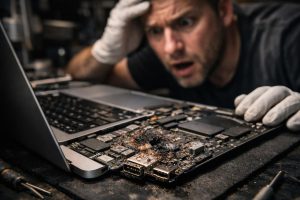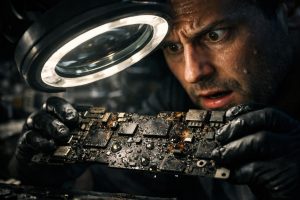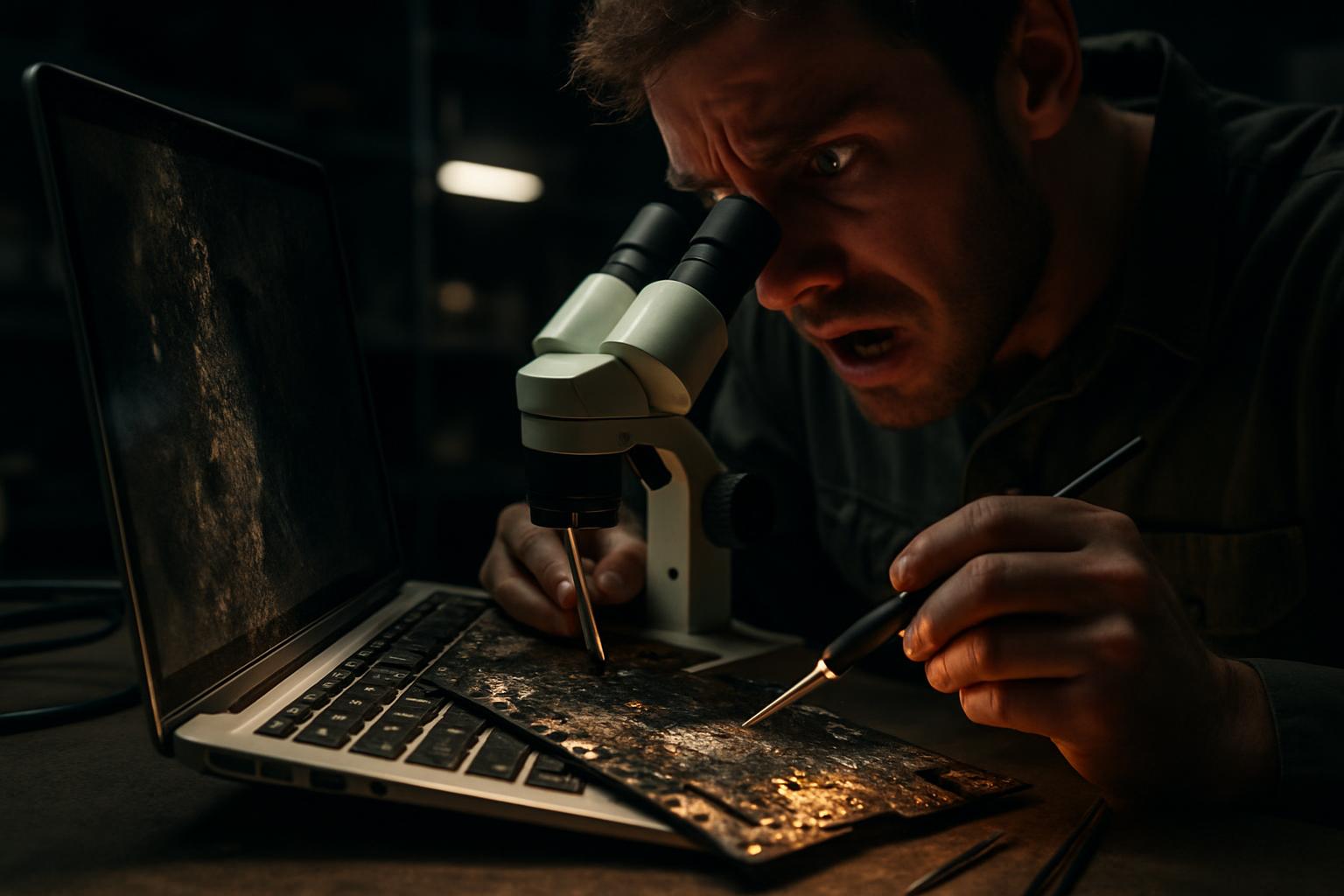
Contact with liquids is one of the most feared scenarios for MacBook users. Even when an initial repair seems to have resolved the main problem, residual anomalies commonly appear in the following weeks: unexpected shutdowns, peripherals that stop working, or intermittent behaviour that is difficult to reproduce. These symptoms do not necessarily mean the repair failed, but rather that corrosion damage can affect multiple components at different times.
In this guide, we explain how to systematically approach a MacBook that turns off by itself after exposure to liquids, what steps to follow to isolate the cause, and how to ensure the machine is fully operational, including secondary functions such as the webcam and audio.
Why does the MacBook turn off by itself after liquid damage?
When a liquid comes into contact with a MacBook’s electronics, the immediate damage is often to the motherboard, where corrosion can interrupt power circuits and cause abrupt shutdowns. However, corrosion does not act uniformly or instantly. Components that appear intact can progressively deteriorate, especially in humid environments.
Random shutdowns after a board repair can have several origins:
- Residual corrosion on FPC connectors, which link modules such as the webcam, microphone or display to the motherboard
- Operating system issues, caused by a corrupted installation during the period when the hardware was unstable
- Intermittent faults in power management circuits, which may not be detected in an initial diagnosis
- Partially damaged flex cables, which work in some positions but fail in others
The key to resolving the problem definitively lies in a phased diagnosis, clearly separating software causes from hardware causes.
How to diagnose correctly: software vs. hardware
Before proceeding with any further repair, it is important to determine whether the shutdowns originate in the operating system or in physical components. The recommended procedure follows this order:
- Perform a complete backup of the data before any intervention, ensuring no information is lost
- Remove the iCloud account from the device, a mandatory process to allow formatting and reinstallation of the system without activation restrictions
- Format and reinstall macOS with a clean version, then update to the latest version available
- Run Apple’s diagnostic tests (Apple Diagnostics) to identify hardware errors reported by the system
- Monitor the device during a period of normal use to check whether the anomaly manifests after reinstallation
If the shutdowns stop after the system reinstallation, the cause was software-related. If they persist, or if the diagnostic tests reveal errors, the intervention should focus on hardware.
Repairing FPC connectors: webcam, display and motherboard
One of the most common problems in MacBooks that have suffered liquid damage is failure of the FPC (Flat Printed Circuit) connectors, the small flexible connectors that link modules such as the webcam, the microphone integrated in the display, and other peripherals to the motherboard.
These connectors are particularly vulnerable to corrosion because they consist of very thin, exposed metal contacts. When corrosion reaches these points, typical symptoms include:
- Webcam not recognised by the system or showing a green image
- Display microphone not working
- Camera errors in video conferencing applications
- Shutdowns associated with certain display positions
The solution consists of replacing the damaged FPC connectors, both on the display cable and on the motherboard. This is a microsoldering intervention that requires specialised equipment and experience in component-level repair. When performed correctly, it fully restores webcam functionality and eliminates shutdowns related to failures in these connectors.
Components not immediately repairable: the case of the audio jack
It is not always possible to repair all affected components simultaneously. The availability of replacement parts, especially specific components such as the audio jack FPC connector, can be limited among suppliers. In these cases, the correct approach is to be transparent with the user: document the component that could not be repaired, explain the reason, and record the anomaly for future intervention once the part becomes available.
This situation is common in component-level board repairs, where certain connectors or chips may have extended lead times. The fact that one component cannot be repaired immediately does not invalidate the repair of the others, and the equipment can continue to be used normally with this known, documented limitation.
In the case of the audio jack, the absence of sound through the physical input/output does not prevent the MacBook from being used with Bluetooth headphones or a USB-C connection, maintaining the user’s productivity while waiting for the part to become available.
Final validation: testing and operating system update
After all hardware interventions, the final step is a complete validation of the equipment. This process includes:
- Running all available diagnostic tests, confirming that no errors are reported
- Updating to the latest version of macOS, ensuring the operating system is stable and compatible with the repaired hardware
- Extended usage testing, simulating real-world usage scenarios to confirm the shutdowns do not recur
- Checking all peripherals, including webcam, microphone, ports and connectors
Only after passing all these tests without any error should the equipment be considered fully repaired and returned to the user. A successful update to the latest version of macOS is, in itself, an indicator of system stability, since operating system updates are demanding processes that quickly reveal hardware instabilities.
Can a MacBook turn off by itself without having had contact with liquids?
Yes. Random shutdowns can have other causes, such as a degraded battery, overheating, software failures or issues in the power management circuit. However, when there is a history of liquid contact, corrosion is always the first cause to investigate, even if the damage is not visible to the naked eye.
How long does it take to repair a MacBook with liquid damage?
The time varies depending on the extent of the damage and the availability of components. A motherboard repair combined with FPC connector replacement and system reinstallation can take between three to seven business days, considering diagnosis, repair and final testing. The availability of specific parts may extend this timeframe.
Is it safe to use the MacBook if the audio jack doesn’t work after the repair?
Yes. A faulty audio jack is a functional limitation, but it does not pose a risk to the equipment nor compromise other functionalities. The user can continue working normally using alternatives such as Bluetooth headphones or USB-C audio adapters, while waiting for the component to become available for repair.
Need help? Contact MEGABIT at comercial@megabit.ptin-person support in Baixa do Porto and the entire Northern Portugal region.
Want to be notified when we publish our next article or video?
Free. Get notified as soon as we publish. No spam, easy to unsubscribe.