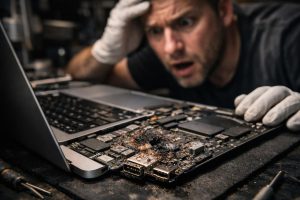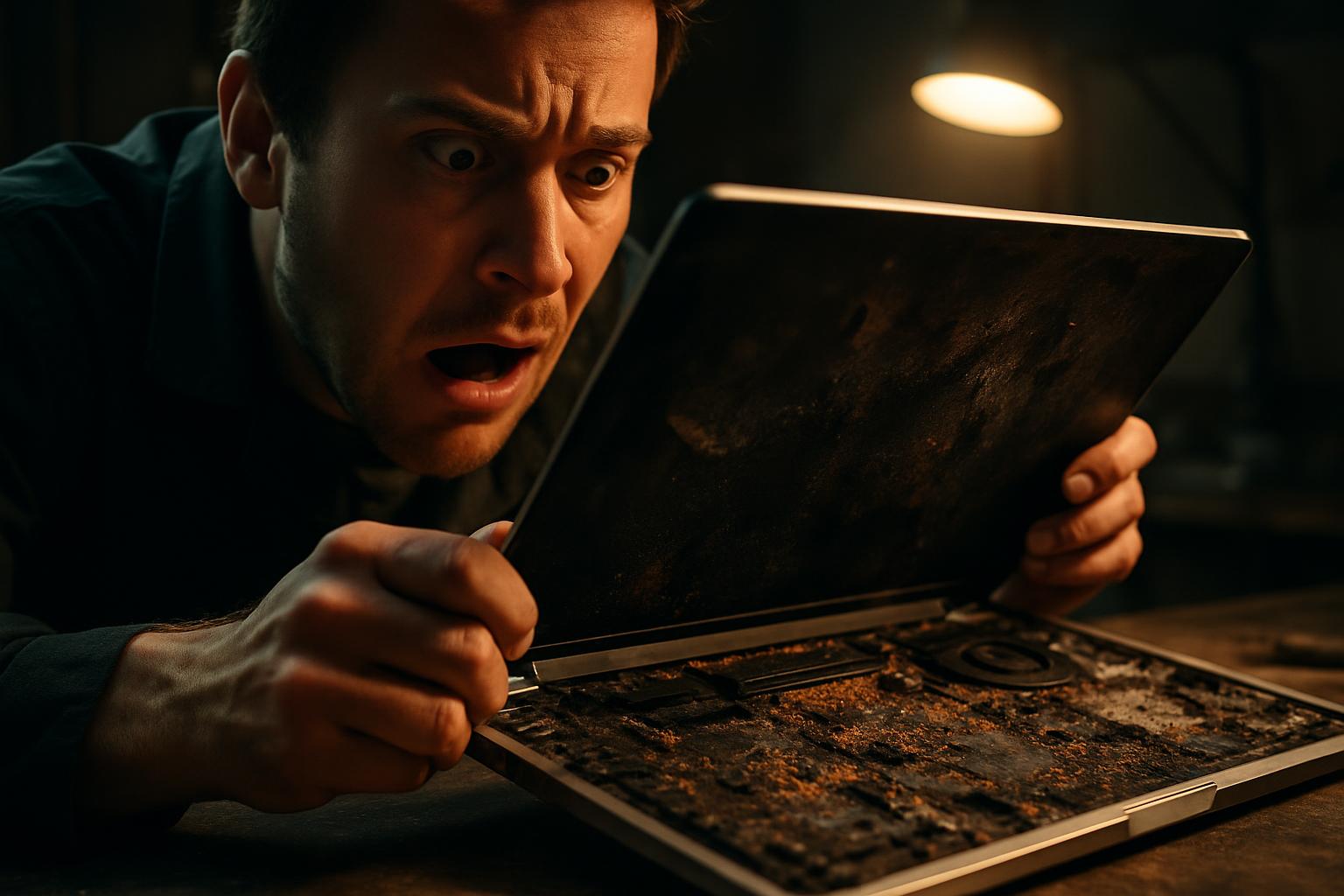
There are situations where a MacBook simply stops turning on, without any prior warning. The user closes the laptop while it’s working, and the next time they try to turn it on, nothing happens. No image, no sound, no response to the power button. This is one of the most frustrating situations for any professional or business that depends on the equipment on a daily basis, and the causes can be far more complex than they appear on the surface.
When a MacBook arrives at a repair shop in these conditions, the initial diagnosis is essential, but the real challenge arises when the equipment has already had previous interventions or shows signs of contact with liquids. These two factors, whether isolated or combined, can turn a simple repair into a highly complex technical process, with direct implications on the budget and the expectations of recovering the equipment.
The signs that reveal a MacBook’s real history
Before any electronic diagnosis, the physical inspection of a MacBook speaks for itself. An experienced technician can tell within minutes whether the equipment has been opened before and under what conditions that intervention was carried out. The most common indicators include:
- Swapped or missing screws, especially the pentalobe screws on the back cover and the internal screws on the board;
- Disconnected or poorly seated flex cables, which can by themselves prevent the system from starting;
- Back cover out of its fittings, a sign that the opening was done incorrectly or in a hurry;
- Marks from inadequate tools on the screws or on the motherboard structure;
- Displaced or missing components that should not have been touched.
Each of these signs, on its own, can be enough to compromise the equipment’s operation. When they appear together, the diagnosis becomes significantly more complex, because it is necessary to distinguish what failed due to natural wear, what failed due to the previous intervention, and what may have failed for both reasons.
Liquid damage: the silent enemy of the Apple motherboard
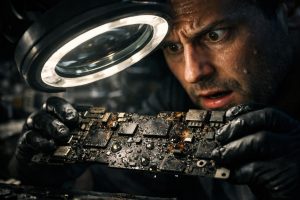
Liquid damage is one of the main causes of irreversible failure in Apple laptops. What makes these cases particularly deceptive is that symptoms don’t always appear immediately. A spill of water, coffee or another liquid may not cause any visible problem for days, weeks or even months, but oxidation silently advances on the motherboard’s components.
When the equipment finally fails, the damage may already be extensive. In cases of severe liquid contact, it is common to find:
- Widespread oxidation on resistors, capacitors and other surface components;
- Corrosion on the copper traces of the motherboard, which may be interrupted even without visible damage to the naked eye;
- Intermittent short circuits that make diagnosis inconsistent;
- Damage to the power management chip, responsible for the entire system startup process.
In these cases, the repair requires specialised equipment, such as hot air soldering stations, inspection microscopes and chip-level component diagnostic tools. This is not a consumer repair, but microsoldering and applied electronic engineering.
How the diagnosis and responsible quotation process works
One of the most important practices in a quality repair is transparency in diagnosis. When a device arrives with multiple overlapping problems, such as liquid damage and a poorly executed previous intervention, the technician has a responsibility to clearly communicate to the client what was found, what can be repaired and what the chances of success are.
A responsible process always includes:
- Detailed physical diagnosis before any electrical intervention;
- Photographic documentation of the equipment’s condition upon receipt;
- Clear quotation distinguishing between what is repairable and what represents technical risk;
- Honest communication about the possible scenarios, including the possibility that the equipment may not be recoverable;
- Return of the equipment in the same condition it was received, if the repair is not viable or authorised.
With equipment that has very extensive damage, it can happen that the technician concludes the repair is not technically viable or that the risk of worsening the damage during the intervention is too high. In these cases, the ethical decision is to decline the repair and return the equipment to the client, along with a clear report of what was found.
What to do before taking your MacBook for repair
If your MacBook has stopped turning on and you suspect there may be liquid damage or a problematic previous intervention, there are a few precautions to take before handing over the equipment to a technician:
- Do not try to repeatedly turn on the equipment, as this may worsen existing electrical damage;
- Record any incident you recall, such as liquid spills or drops, even if apparently without consequences;
- Inform the technician of any previous intervention that was done to the equipment;
- Keep all accessories, such as charger and adapters, which can help with diagnosis;
- Choose a technician specialised in Apple, with documented experience in motherboard repair.
The quality of the initial diagnosis largely determines the success of the repair. A technician who takes the time to understand the equipment’s history and document what they find is providing a fundamentally different service from someone who simply opens it up and experiments without any methodology.
My MacBook turned itself off and won’t turn back on. Could it have had contact with liquids even if I don’t remember?
Yes. Many cases of liquid damage go unnoticed by the user, especially when the spill was small or occurred gradually, such as accumulated moisture. Symptoms can appear weeks or months after the incident. Oxidised components on the motherboard are the main indicator, and only a technician experienced in Apple board repair can accurately identify the extent of the damage.
How do I know if my MacBook has already had a poorly executed previous intervention?
The most common signs include swapped or missing internal screws, disconnected or poorly seated flex cables, back cover out of its fittings, and tool marks on the screws or on the board. If you take the equipment to a certified technician, they can quickly identify whether there was a previous intervention and assess the damage caused by it.
Is it worth repairing a MacBook with severe liquid damage and previous intervention?
It depends on the extent of the damage and the equipment’s model. In some cases, the repair is viable and economically justified. In others, when there is a high number of oxidised components and the motherboard has suffered structural damage, the repair cost may exceed the equipment’s market value. An honest and detailed technical diagnosis is essential before any decision.
Need help? Contact MEGABIT at comercial@megabit.ptin-person support in Baixa do Porto and the entire Northern region of Portugal.
Want to be notified when we publish our next article or video?
Free. Get notified as soon as we publish. No spam, easy to unsubscribe.