



The quality of the Wi-Fi connection in an apartment, accommodation or office unit does not just depend on the equipment installed, but fundamentally from its location. It is possible to have top of the line access points and still experience poor coverage in rooms or in areas away from the entrance, simply because the equipment is poorly positioned. This is a more common problem than it seems and has a direct technical solution..
In this article we explain how to diagnose Wi-Fi coverage gaps indoors, what are the most frequent errors when installing access points and how repositioning the equipment can completely transform the quality of the network, no need to replace hardware.
What Happens When There Is No Dedicated Access Point Inside
In many buildings, the solution adopted involves installing the network equipment at a central point, waiting for the signal to reach all units. In practice, without a dedicated access point inside each space, the result is almost always unsatisfactory.
- Binding occurs predominantly in the band 2.4 GHz, because it has the greatest reach, but with limited speeds and stability.
- Signal strength is weak, especially in rooms far from the source.
- Performance is limited to basic usage, such as simple navigation or low-power applications.
- Services like streaming, video conferencing or file transfer become compromised or unusable.
When there is an access point installed on each unit, the situation improves significantly. Yet, the mere presence of the equipment does not guarantee uniform coverage. The location where it is installed is also decisive.
The Location Problem: When the Access Point Is Badly Positioned
A common mistake in network installations in apartments and accommodation is to place the access point at the entrance of the unit., often inside a technical or telecommunications closet. This solution is practical from a cabling point of view, but immediately creates a physical barrier to signal propagation.
What happens in this scenario is the following:
- O access point fica fitted between walls just outside the technical closet.
- There is a wall a few meters in front of the equipment, acting as an immediate obstacle.
- The signal is attenuated before propagating throughout the apartment.
- Bedrooms and living areas further away receive a significantly weaker signal.
The practical result is a network that works but not optimized. The user connects, but experiences speed drops, instability in streaming and difficulty in video conferences, especially in interior rooms.
The Solution: Repositioning the Access Point to the Ceiling
The technical recommendation for this type of situation is clear: the access point must be relocated to the ceiling, in a central and unobstructed area of the apartment. This approach brings concrete and measurable advantages.
The technical reasons for ceiling installation are as follows:
- Omnidirectional signal dispersion: installed on the ceiling, the access point radiates the signal in all horizontal directions in a balanced manner, evenly covering all rooms.
- Absence of immediate obstacles: unlike wall or cabinet installation, the ceiling is typically free of nearby physical barriers.
- More even coverage: rooms, corridors and common areas now receive signal of equivalent quality.
- Significant stability improvement: the connection becomes more reliable for demanding uses such as 4K streaming, video calls and simultaneous use of multiple devices.
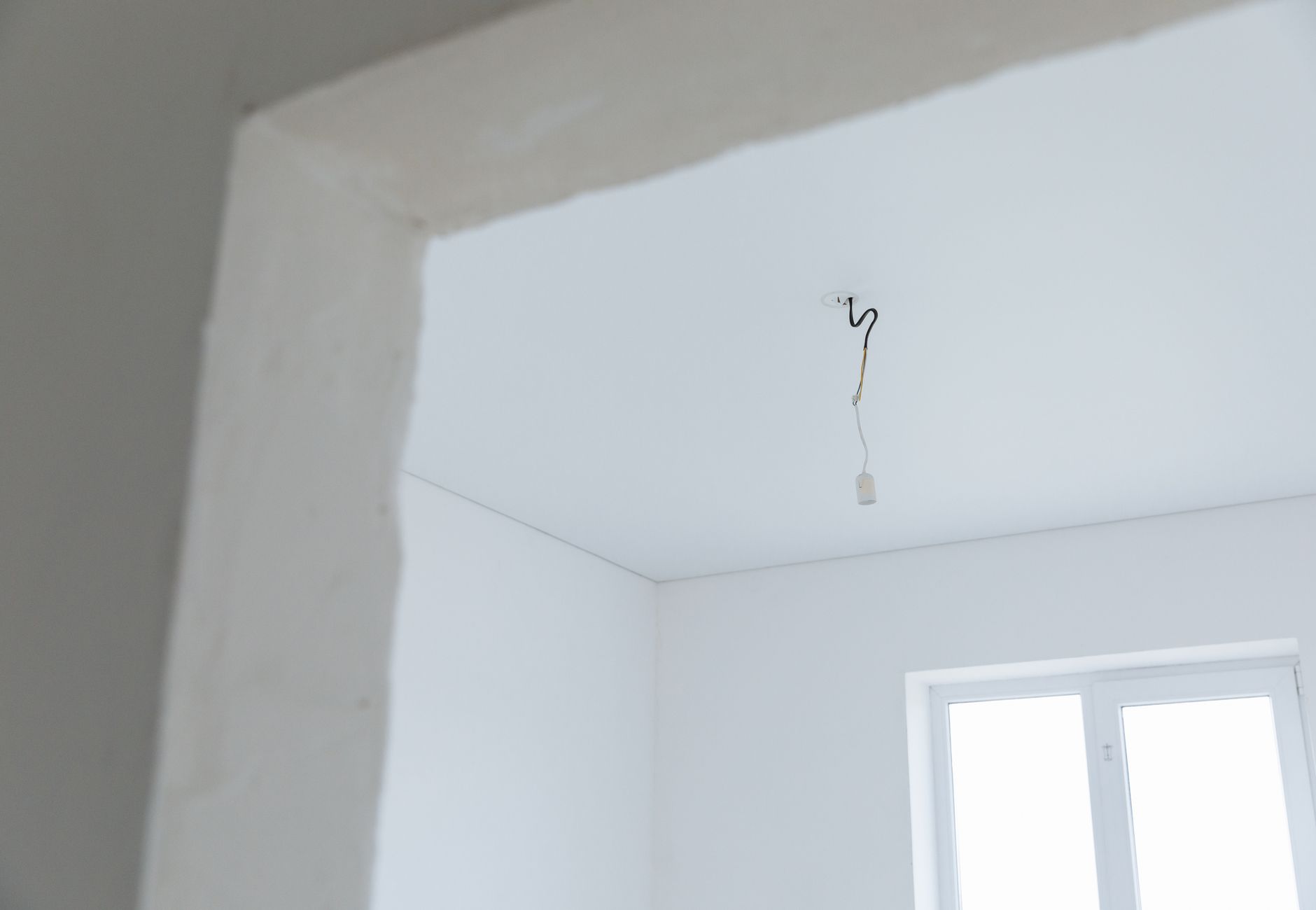
Ideal positions for installation include close to the existing fire detector (taking advantage of the central location that these devices already occupy as a rule) or in a central area of the room, close to the main lighting point. Both options offer visibility into most rooms without significant physical obstacles.
How to Assess If Your Network Needs Intervention
Before any technical intervention, It is worth carrying out a simple diagnosis to confirm the source of the problem. These are the most common warning signs:
- Wi-Fi has good quality in the entrance or living room, but it deteriorates in the rooms.
- Devices automatically connect to the band 2.4 GHz even when the 5 GHz should be available.
- Streaming or video calls are unstable in certain areas of the space.
- The signal drops when a port between the user and the router or access point is closed.
Wi-Fi network analysis tools, available for free for smartphone, allow you to view the signal strength in dBm at different points in space. Values below -70 dBm indicates insufficient coverage for demanding uses. A specialized technician can carry out this mapping systematically and propose the most appropriate solution for each space.
In summary, a Access point position is the main limiting factor for Wi-Fi coverage in indoor environments. Before investing in new equipment, It is always worth evaluating whether the problem is not simply one of location, a low-cost intervention with an immediate impact on network quality.
Why does Wi-Fi reach the living room well but is weak in the bedrooms?
The most common problem is the location of the access point. When the equipment is installed close to a wall, at an entrance or inside a technical cabinet, the signal is attenuated before reaching interior rooms. Paredes, doors and other physical obstacles significantly reduce signal strength, especially in the band 5 GHz. The solution is to reposition the access point to a central, unobstructed area, preferably on the ceiling.
What is the difference between the band 2.4 GHz e a banda 5 GHz for indoor coverage?
The band 2.4 GHz has greater range and penetrates walls and obstacles better, but offers lower speeds and is more subject to interference. The band 5 GHz provides much higher speeds, but has shorter range and is more sensitive to physical obstacles. In a multi-room environment with intervening walls, Correct installation of the access point is essential for both bands to work effectively throughout the space.
It is worth installing an access point per apartment instead of depending on a central router?
Sim, especially in buildings with several apartments or accommodation spaces. Without a dedicated access point inside each unit, the signal from external equipment arrives with very low quality, being suitable for basic navigation only. For services like streaming, video conferencing or simultaneous use of multiple devices, One access point per unit is essential, correctly positioned.
Need help? Contact MEGABIT em comercial@megabit.pt — face-to-face support in downtown Porto and the entire North of Portugal.
You need to install or optimize your company’s network in Porto? Find out more about Business Networks in Porto and contact MEGABIT for a no-obligation quote.