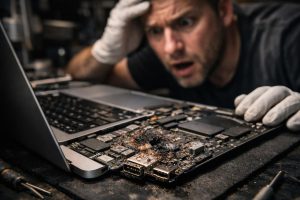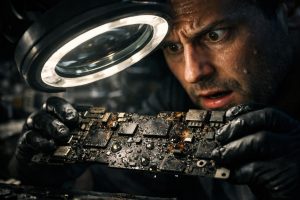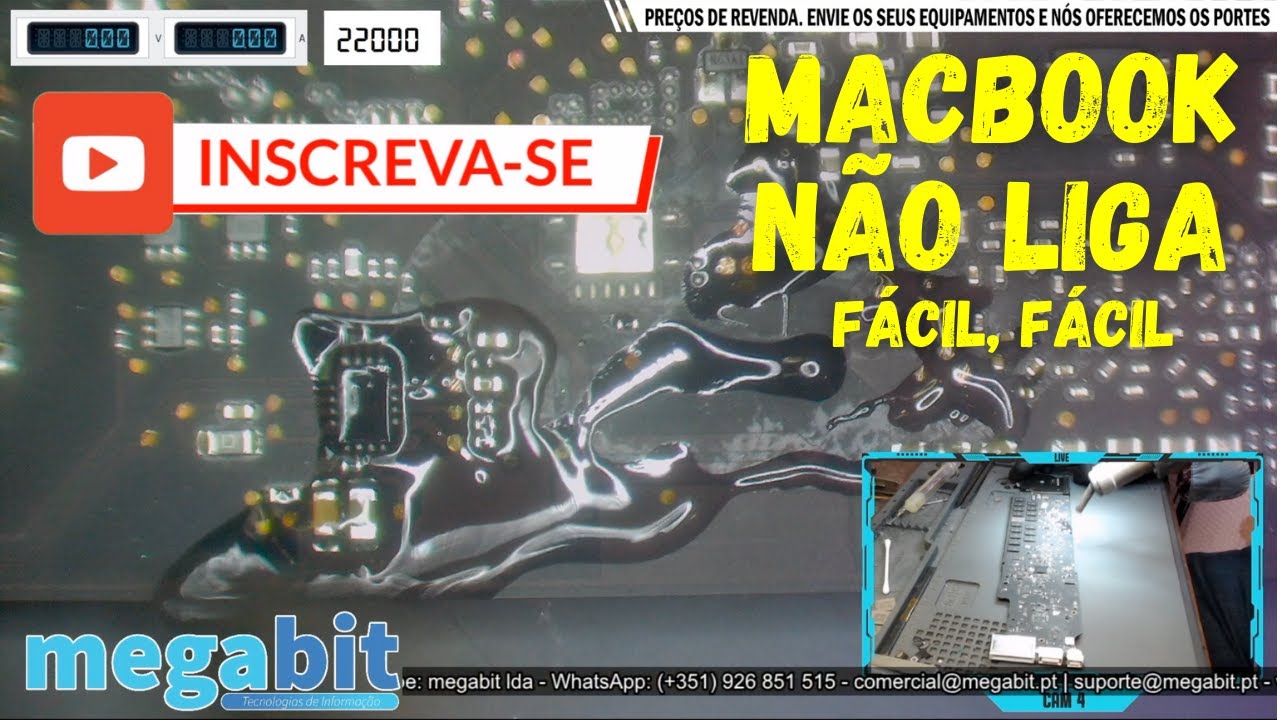
This MacBook wouldn’t turn on after coming into contact with liquid and already showed some oxidation. After reflowing some components and chemically cleaning the board, the device worked normally again. The repair was straightforward because the customer brought it in right after the accident, which prevented further damage and more costly repairs.
Repair record
- Device: MacBook
- Symptom: won’t turn on after liquid contact
- Cause found: oxidation on the board
- Repair: component reflow and chemical cleaning
- Result: the MacBook worked normally again
Component-level repair
Instead of replacing the entire board, we locate the faulty component and replace it. This repair is much cheaper than replacing the board or the device and, in many cases, allows you to keep the MacBook and its data. After contact with liquids, the sooner the device is switched off and brought to the lab, the lower the risk of further damage.
Does your MacBook have a similar fault?
We diagnose and repair MacBook boards at our lab in downtown Porto. If you can’t come in person, you can send the device by courier. Find out more about MacBook repair in Porto or Apple repairs by mail.
See more board repairs on our MEGABIT Lab YouTube channel.
.mbvg{margin:8px 0 0}.mbvg h3{font-size:20px;font-weight:700;color:#0a1a2f;margin:0 0 16px;text-align:center}.mbvg ul{list-style:none!important;margin:0!important;padding:0!important;display:grid;grid-template-columns:repeat(3,minmax(0,1fr));gap:16px}.mbvg li{margin:0!important;padding:0!important;list-style:none!important}.mbvg li::before,.mbvg li::marker{content:none!important}.mbvg-card{display:flex;flex-direction:column;height:100%;box-sizing:border-box;background:#fff;border:1px solid #e3eaf3;border-radius:14px;overflow:hidden;box-shadow:0 10px 28px rgba(10,26,47,.08);text-decoration:none!important;transition:transform .15s,box-shadow .15s,border-color .15s}.mbvg-card:hover{transform:translateY(-2px);border-color:#0b6bcb;box-shadow:0 14px 32px rgba(10,26,47,.14)}.mbvg-img{position:relative;display:block;aspect-ratio:16/9;background:#0a1a2f}.mbvg-img img{display:block;width:100%!important;height:100%!important;object-fit:cover;margin:0!important;border-radius:0!important}.mbvg-play{position:absolute;left:50%;top:50%;width:46px;height:32px;margin:-16px 0 0 -23px;border-radius:9px;background:rgba(220,38,38,.92);display:flex;align-items:center;justify-content:center;color:#fff;font-size:15px}.mbvg-body{display:flex;flex-direction:column;gap:6px;padding:12px 14px 14px}.mbvg-tag{font-size:11.5px;font-weight:700;letter-spacing:.06em;text-transform:uppercase;color:#0b6bcb}.mbvg-t{font-size:15.5px;font-weight:600;line-height:1.35;color:#0a1a2f}@media(max-width:1024px){.mbvg ul{grid-template-columns:repeat(2,minmax(0,1fr))}}@media(max-width:640px){.mbvg ul{grid-template-columns:1fr}}More board-level video repairs
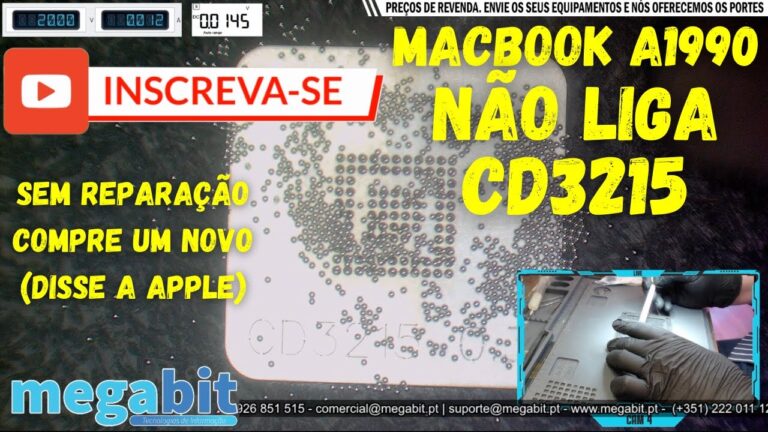 MacBook Pro A1990Won’t turn on: burnt CD3215
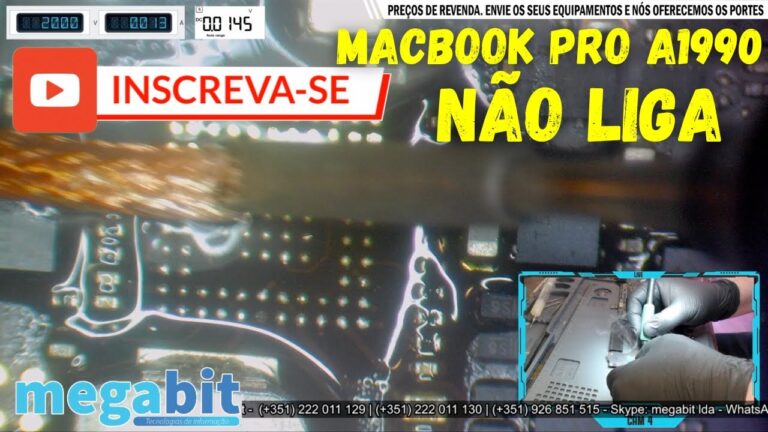 MacBook Pro A1990Won’t turn on: burnt chip
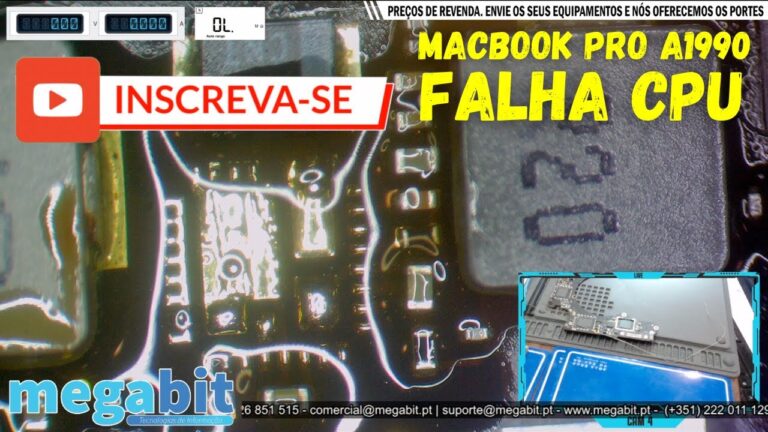 MacBook Pro A1990Short-circuited components
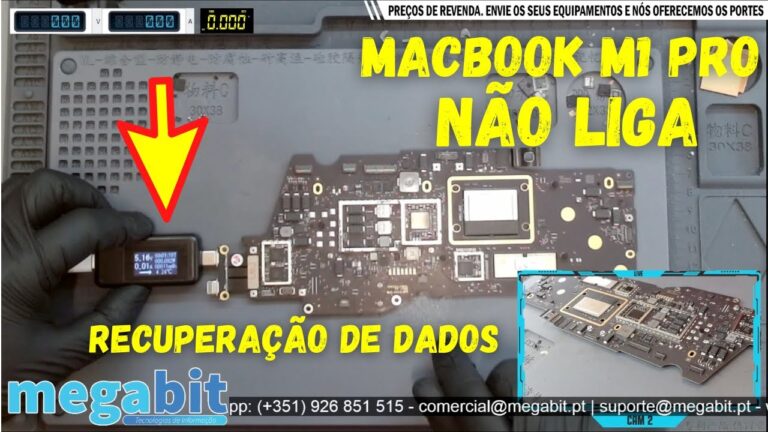 MacBook Pro M1Liquid damage and data recovery
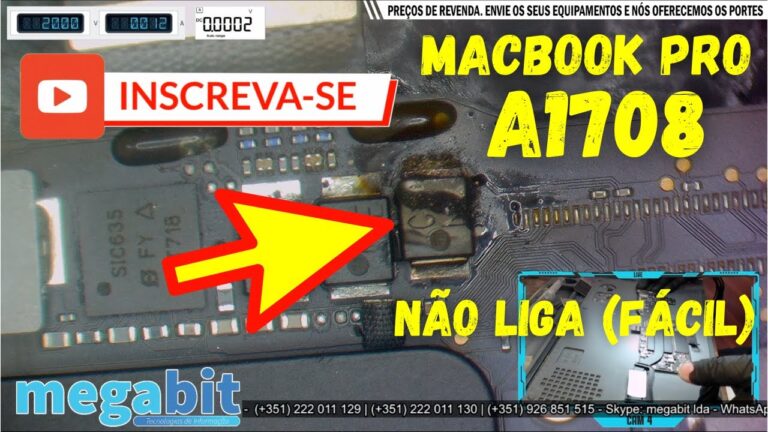 MacBook Pro A1708Won’t turn on: burnt capacitor
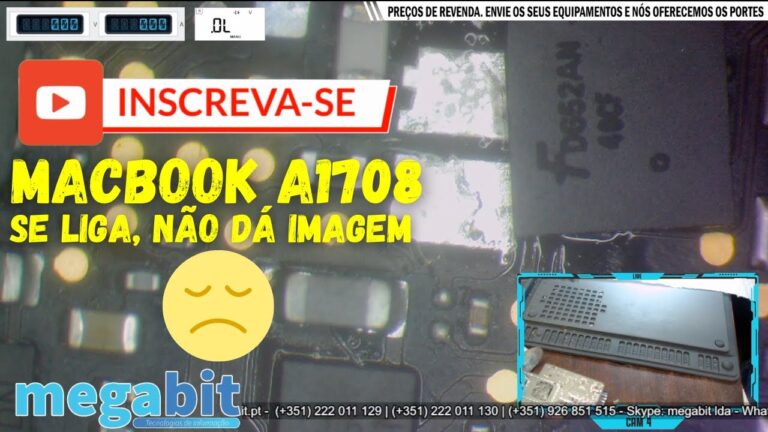 MacBook Pro A1708No display: multiple CD3215
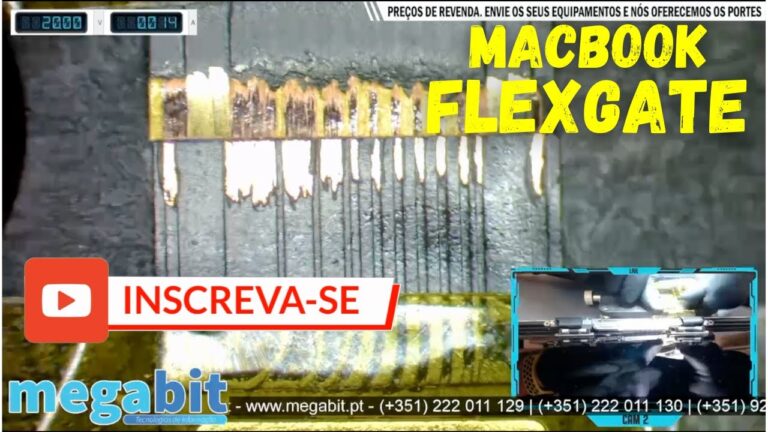 MacBook Pro A1706 and A1708Flexgate
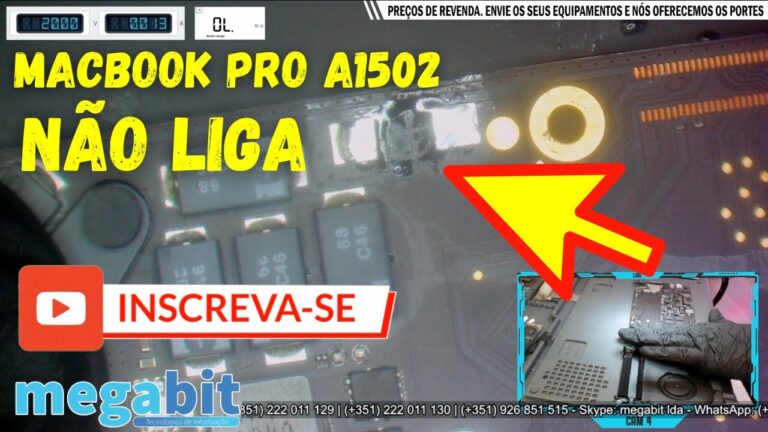 MacBook Pro A1502Won’t turn on: short-circuited component
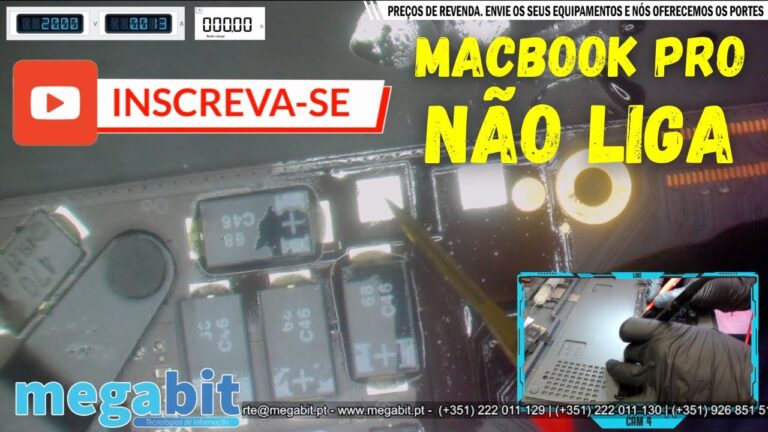 MacBook Pro A1502Short-circuited capacitor
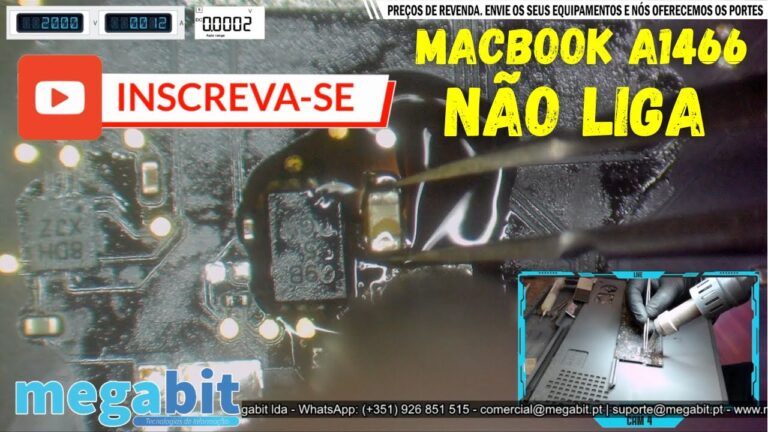 MacBook Air A1466Won’t turn on: oxidation
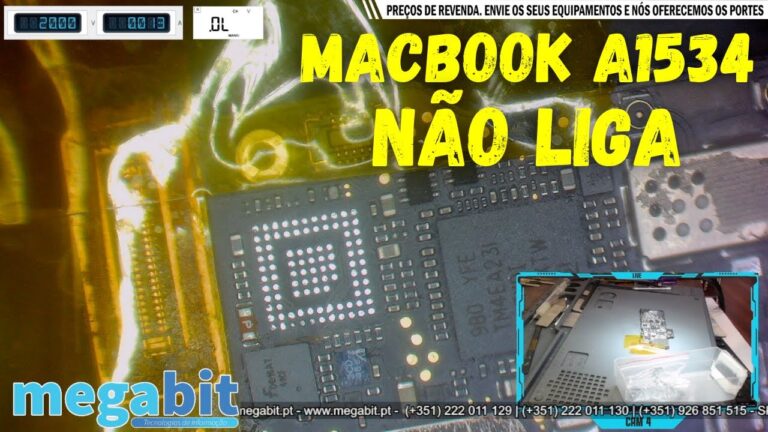 MacBook A1534Won’t turn on: short-circuited CD3215
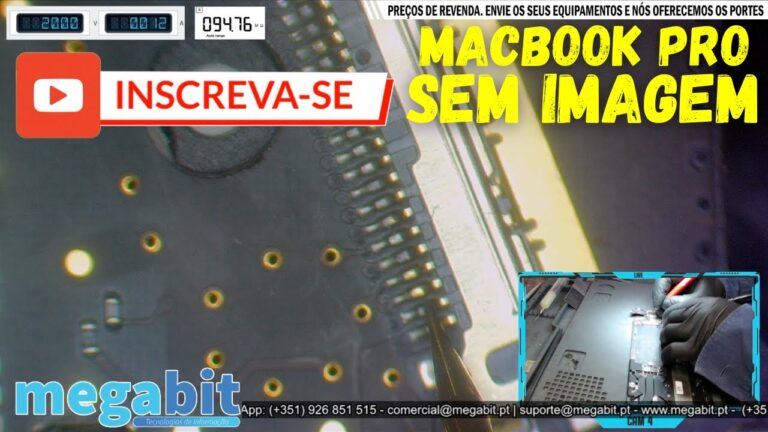 MacBook ProNo display: leaking capacitor
Want to be notified when we publish our next article or video?
Free. Get notified as soon as we publish. No spam, easy to unsubscribe.