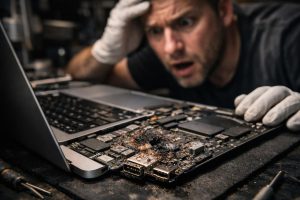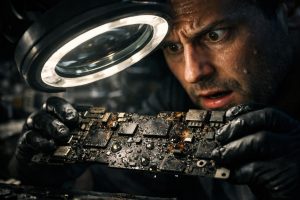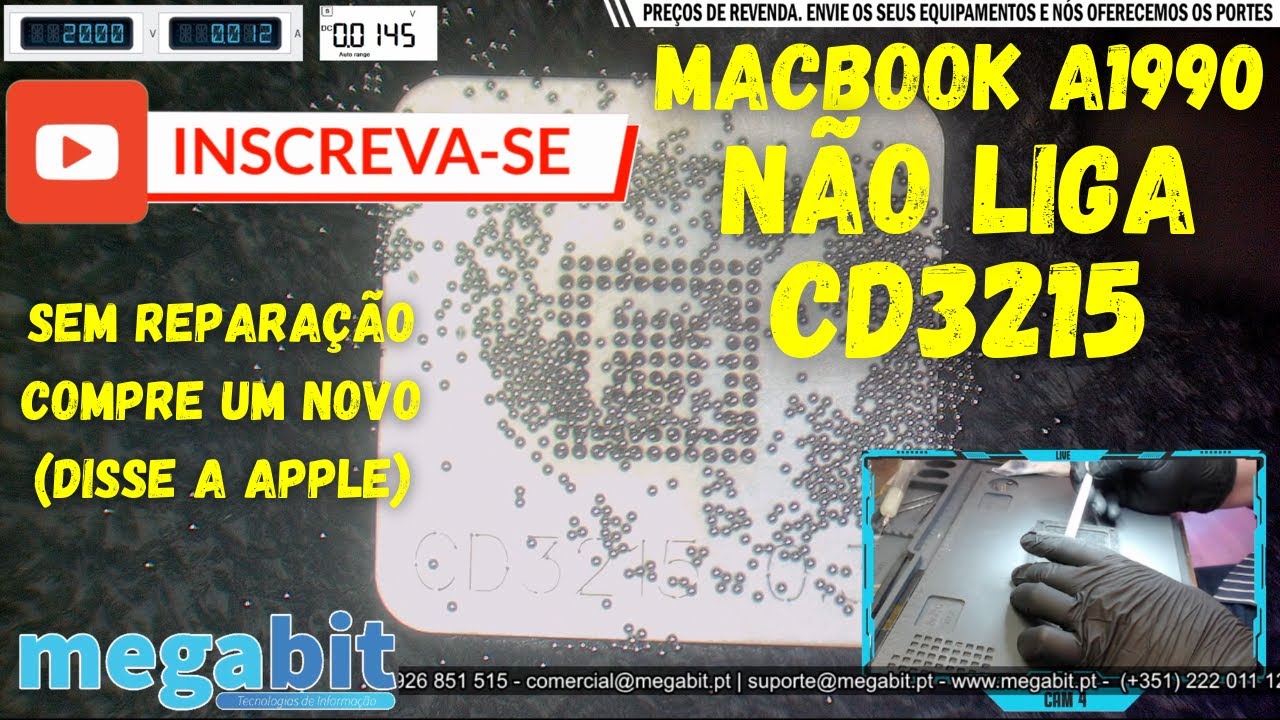
This MacBook Pro A1990 arrived at our lab showing no sign of life at all. Before contacting us, the customer had been told at Apple that the device could not be repaired, that the data could not be recovered, and that they would have to buy a new MacBook. In this video we show the diagnosis and the component-level repair: the fault was in a single integrated circuit on the board, the CD3215, which was burnt out.
Repair record
- Device: MacBook Pro 15″ A1990
- Symptom: won’t turn on
- Cause found: burnt-out CD3215 on the board
- Repair: component-level replacement of the CD3215
- Result: the MacBook went back to working normally
What is the CD3215 and why it fails
The CD3215 is the MacBook’s USB-C port controller. It negotiates power with the charger and decides when the board can receive charge. When this component burns out, the laptop stops accepting the charger and, with no power, it doesn’t even get to start up. Damaged chargers or cables, voltage spikes and contact with liquids are among the most common causes.
How we diagnose it
We measure the device’s power draw from the charger, check the board’s main power lines and locate the faulty component. Only once the cause has been identified do we propose the repair. In many cases, as with this one, it’s enough to replace a single component instead of swapping out the whole board, which works out much cheaper.
Is your MacBook not turning on?
We diagnose and repair MacBook boards at our lab in downtown Porto. If you can’t come in person, you can send the device by courier. Find out more about MacBook repair in Porto or about Apple repairs by mail.
See more board repairs on our MEGABIT Lab YouTube channel.
.mbvg{margin:8px 0 0}.mbvg h3{font-size:20px;font-weight:700;color:#0a1a2f;margin:0 0 16px;text-align:center}.mbvg ul{list-style:none!important;margin:0!important;padding:0!important;display:grid;grid-template-columns:repeat(3,minmax(0,1fr));gap:16px}.mbvg li{margin:0!important;padding:0!important;list-style:none!important}.mbvg li::before,.mbvg li::marker{content:none!important}.mbvg-card{display:flex;flex-direction:column;height:100%;box-sizing:border-box;background:#fff;border:1px solid #e3eaf3;border-radius:14px;overflow:hidden;box-shadow:0 10px 28px rgba(10,26,47,.08);text-decoration:none!important;transition:transform .15s,box-shadow .15s,border-color .15s}.mbvg-card:hover{transform:translateY(-2px);border-color:#0b6bcb;box-shadow:0 14px 32px rgba(10,26,47,.14)}.mbvg-img{position:relative;display:block;aspect-ratio:16/9;background:#0a1a2f}.mbvg-img img{display:block;width:100%!important;height:100%!important;object-fit:cover;margin:0!important;border-radius:0!important}.mbvg-play{position:absolute;left:50%;top:50%;width:46px;height:32px;margin:-16px 0 0 -23px;border-radius:9px;background:rgba(220,38,38,.92);display:flex;align-items:center;justify-content:center;color:#fff;font-size:15px}.mbvg-body{display:flex;flex-direction:column;gap:6px;padding:12px 14px 14px}.mbvg-tag{font-size:11.5px;font-weight:700;letter-spacing:.06em;text-transform:uppercase;color:#0b6bcb}.mbvg-t{font-size:15.5px;font-weight:600;line-height:1.35;color:#0a1a2f}@media(max-width:1024px){.mbvg ul{grid-template-columns:repeat(2,minmax(0,1fr))}}@media(max-width:640px){.mbvg ul{grid-template-columns:1fr}}More board-level video repairs
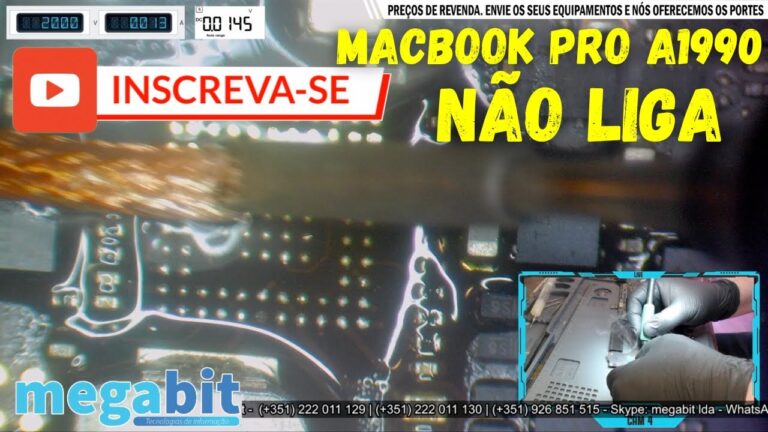 MacBook Pro A1990Won’t turn on: burnt chip
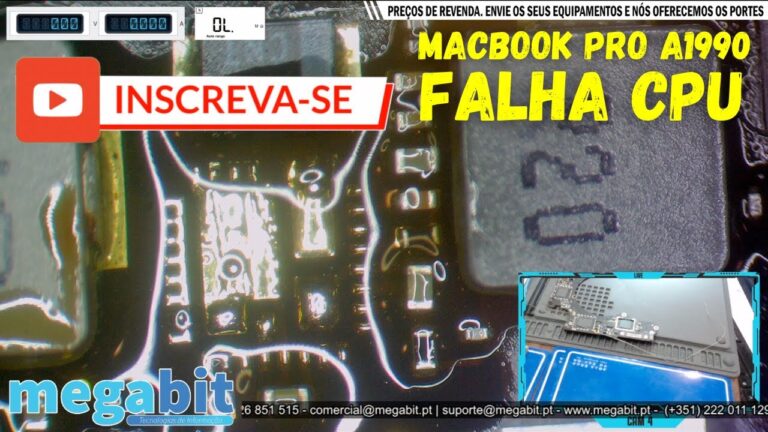 MacBook Pro A1990Short-circuited components
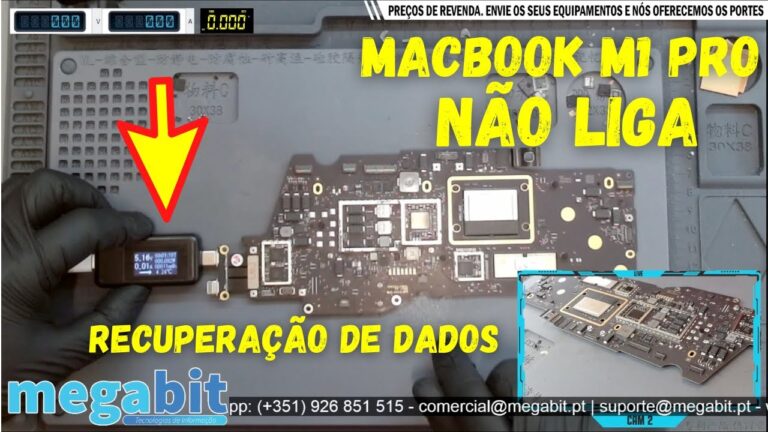 MacBook Pro M1Liquid contact and data recovery
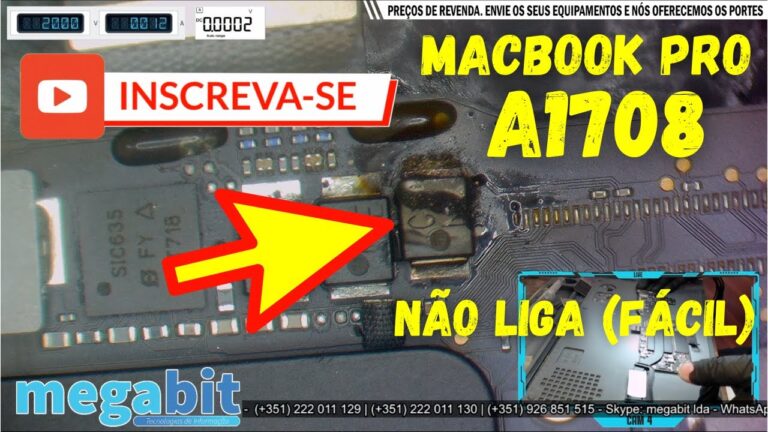 MacBook Pro A1708Won’t turn on: burnt capacitor
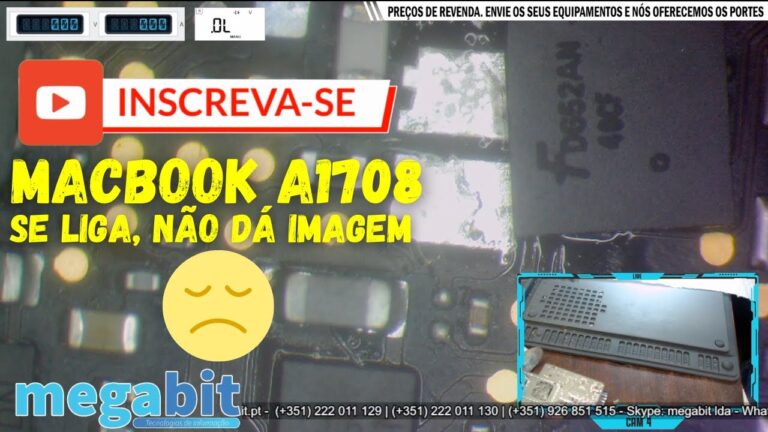 MacBook Pro A1708No image: several CD3215
 MacBook Pro A1706 and A1708Flexgate
 MacBook Pro A1502Won’t turn on: shorted component
 MacBook Pro A1502Short-circuited capacitor
 MacBook Air A1466Won’t turn on: oxidation
 MacBook A1534Won’t turn on: shorted CD3215
 MacBook ProNo image: leaking capacitor
 MacBookWon’t turn on after liquid contact
Want to be notified when we publish our next article or video?
Free. Get notified as soon as we publish. No spam, easy to unsubscribe.