
The MacBook Pro A1706 and A1708 have a known defect called flexgate: the cable connecting the screen is too short and, with use, eventually breaks. The typical symptom is the screen going blank when the lid is opened beyond a certain angle. Apple acknowledged the problem in the 2016 models, although it also appears in other years. Instead of replacing the entire display, we repair the original cable, extending its length, which solves the problem at a much lower cost.
Repair record
- Equipment: MacBook Pro 13″ A1706 and A1708 (2016-2017)
- Symptom: screen goes blank or loses backlight when the lid is opened beyond a certain angle
- Cause: screen flex cable too short, which breaks with use
- Repair: repair and extension of the original cable, without replacing the display
Component-level repair
Instead of replacing the entire board, we locate the failing component and replace it. The repair ends up much cheaper than replacing the board or the equipment and, in many cases, allows you to keep the MacBook and its data.
Does your MacBook have a similar fault?
We diagnose and repair MacBook boards at our lab in downtown Porto. If you can’t come in person, you can send the equipment by courier. Learn more about MacBook repair in Porto or Apple repairs by mail.
See more board repairs on our MEGABIT Lab YouTube channel.
.mbvg{margin:8px 0 0}.mbvg h3{font-size:20px;font-weight:700;color:#0a1a2f;margin:0 0 16px;text-align:center}.mbvg ul{list-style:none!important;margin:0!important;padding:0!important;display:grid;grid-template-columns:repeat(3,minmax(0,1fr));gap:16px}.mbvg li{margin:0!important;padding:0!important;list-style:none!important}.mbvg li::before,.mbvg li::marker{content:none!important}.mbvg-card{display:flex;flex-direction:column;height:100%;box-sizing:border-box;background:#fff;border:1px solid #e3eaf3;border-radius:14px;overflow:hidden;box-shadow:0 10px 28px rgba(10,26,47,.08);text-decoration:none!important;transition:transform .15s,box-shadow .15s,border-color .15s}.mbvg-card:hover{transform:translateY(-2px);border-color:#0b6bcb;box-shadow:0 14px 32px rgba(10,26,47,.14)}.mbvg-img{position:relative;display:block;aspect-ratio:16/9;background:#0a1a2f}.mbvg-img img{display:block;width:100%!important;height:100%!important;object-fit:cover;margin:0!important;border-radius:0!important}.mbvg-play{position:absolute;left:50%;top:50%;width:46px;height:32px;margin:-16px 0 0 -23px;border-radius:9px;background:rgba(220,38,38,.92);display:flex;align-items:center;justify-content:center;color:#fff;font-size:15px}.mbvg-body{display:flex;flex-direction:column;gap:6px;padding:12px 14px 14px}.mbvg-tag{font-size:11.5px;font-weight:700;letter-spacing:.06em;text-transform:uppercase;color:#0b6bcb}.mbvg-t{font-size:15.5px;font-weight:600;line-height:1.35;color:#0a1a2f}@media(max-width:1024px){.mbvg ul{grid-template-columns:repeat(2,minmax(0,1fr))}}@media(max-width:640px){.mbvg ul{grid-template-columns:1fr}}More board repairs on video
 MacBook Pro A1990Won’t turn on: CD3215 burnt
 MacBook Pro A1990Won’t turn on: chip burnt
 MacBook Pro A1990Short-circuited components
 MacBook Pro M1Liquid damage and data recovery
 MacBook Pro A1708Won’t turn on: capacitor burnt
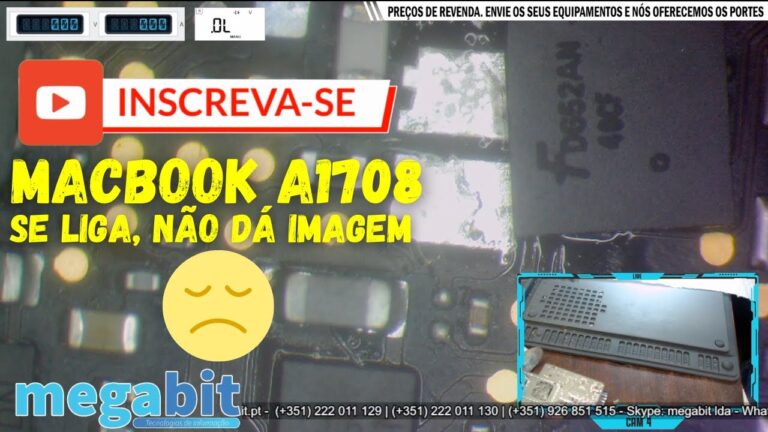 MacBook Pro A1708No display: multiple CD3215
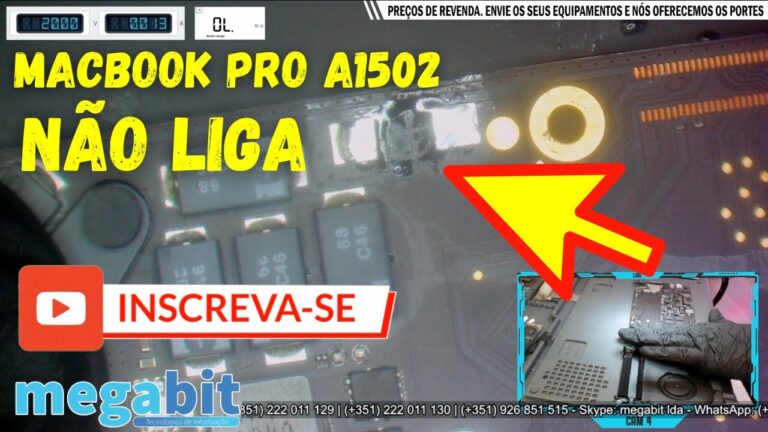 MacBook Pro A1502Won’t turn on: component short-circuit
 MacBook Pro A1502Short-circuited capacitor
 MacBook Air A1466Won’t turn on: oxidation
 MacBook A1534Won’t turn on: short-circuited CD3215
 MacBook ProNo display: leaking capacitor
 MacBookWon’t turn on after liquid damage
Want to be notified when we publish our next article or video?
Free. Get notified as soon as we publish. No spam, easy to unsubscribe.